40 useful websites you should know about
The everyday tools people keep sharing in "websites you should know" videos, without the video. Each one does one job very well, right in your browser.
Bookmark the ones you need. You will be glad of them the next time a PDF refuses to shrink or a background needs to vanish.
Updated · 40 sites · hand-checked
-
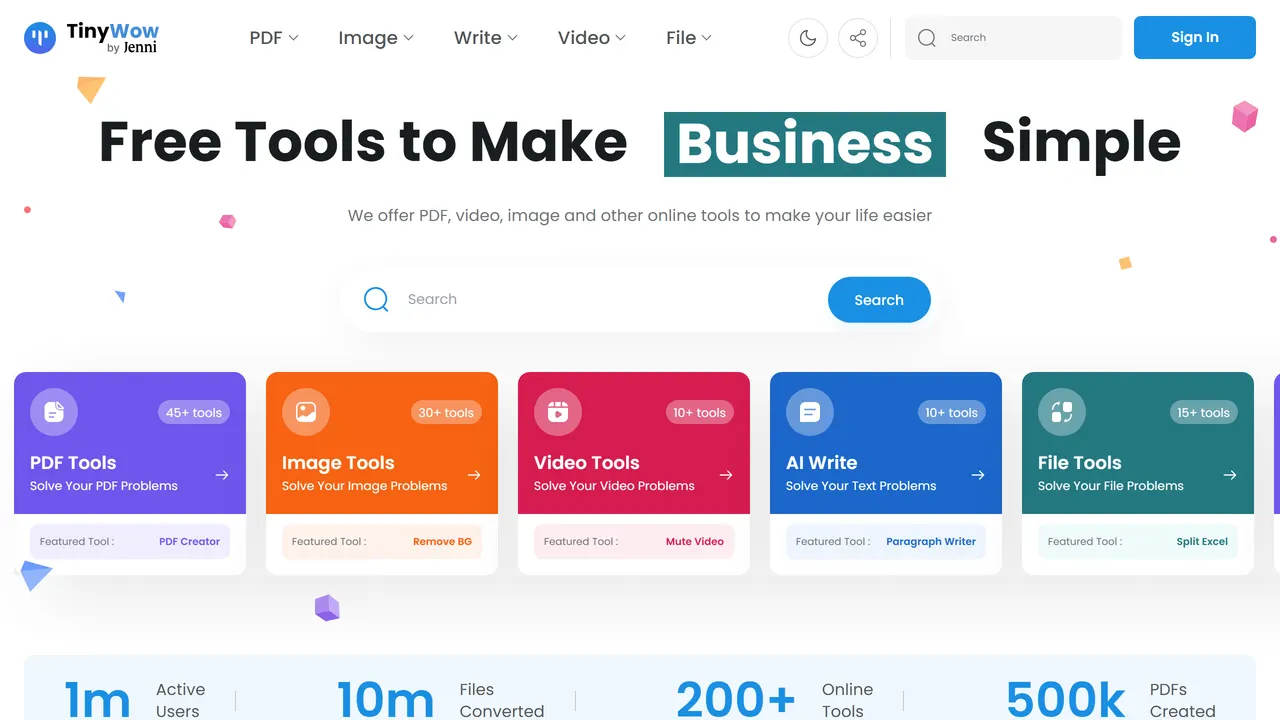
1. TinyWow
Hundreds of single-purpose PDF, image and video tools behind one search box, free and without an account.
- Everyday Tools
- Free
- tinywow.com
-
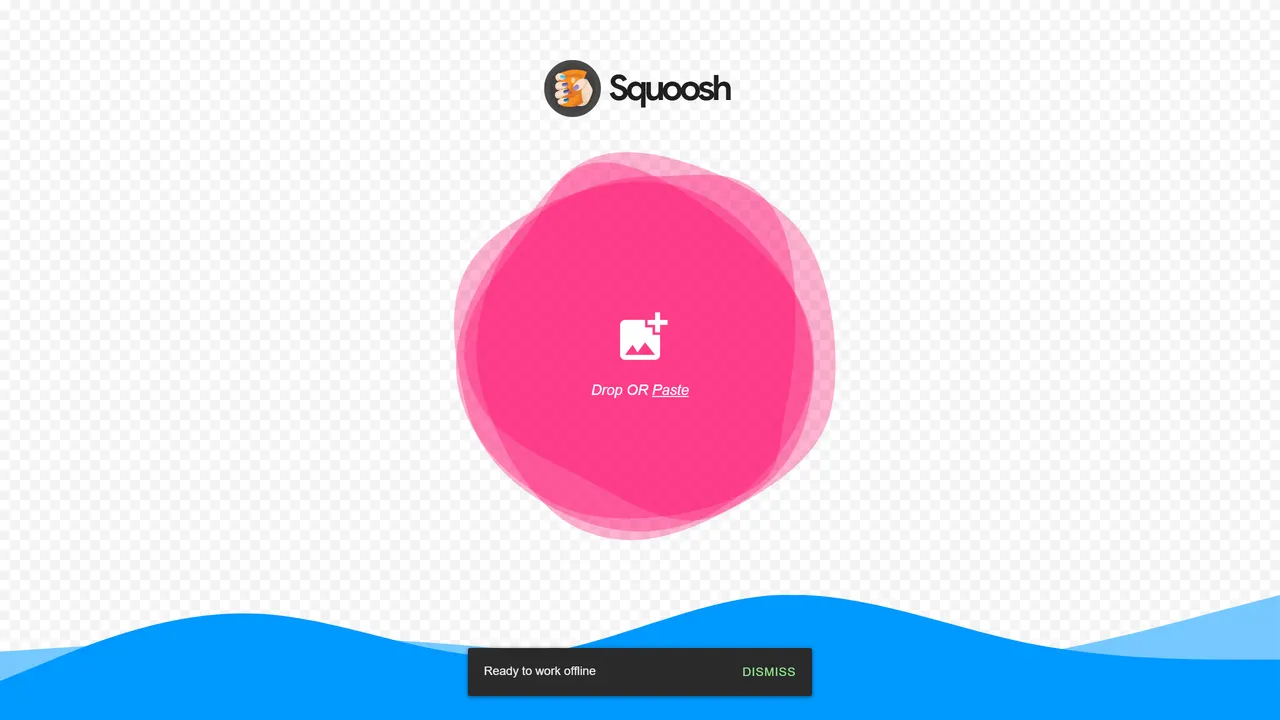
2. Squoosh
Compress images with a side-by-side slider so you can see exactly what quality you are trading away.
- Design & Type
- Open source
- squoosh.app
-
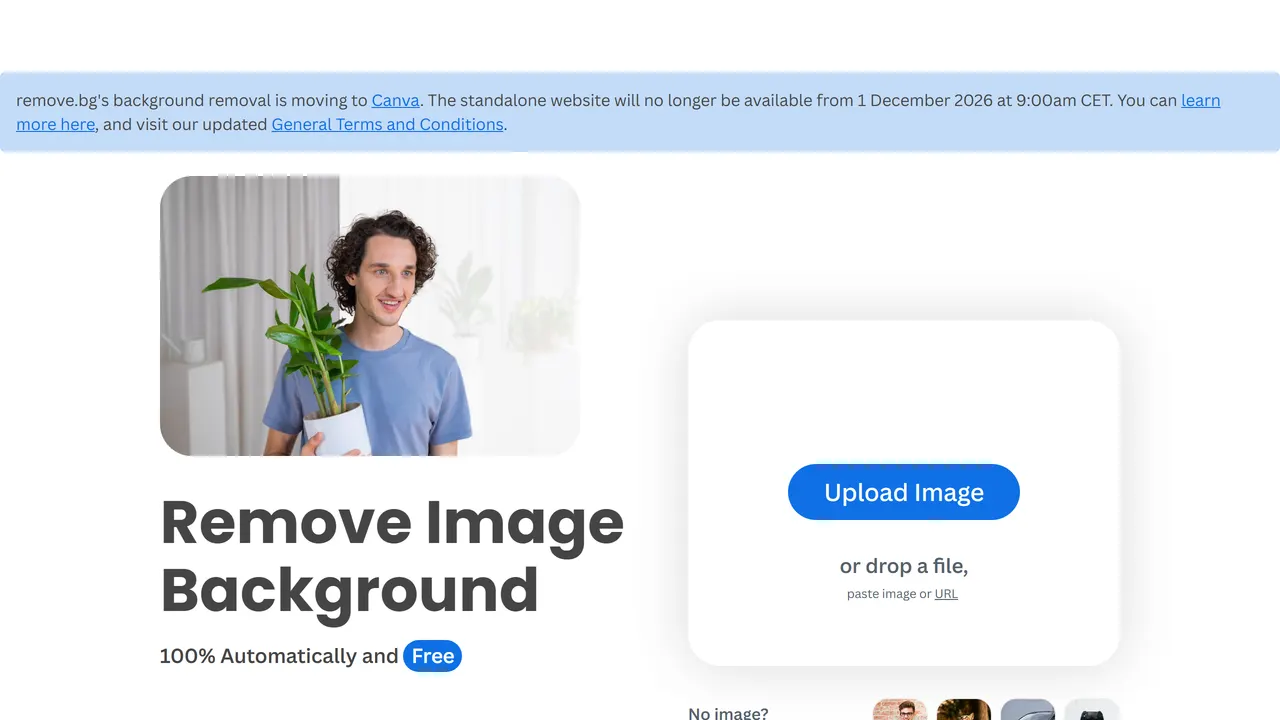
3. remove.bg
Cuts the background out of an image in about three seconds, usually better than you would by hand.
- Everyday Tools
- Freemium
- remove.bg
-
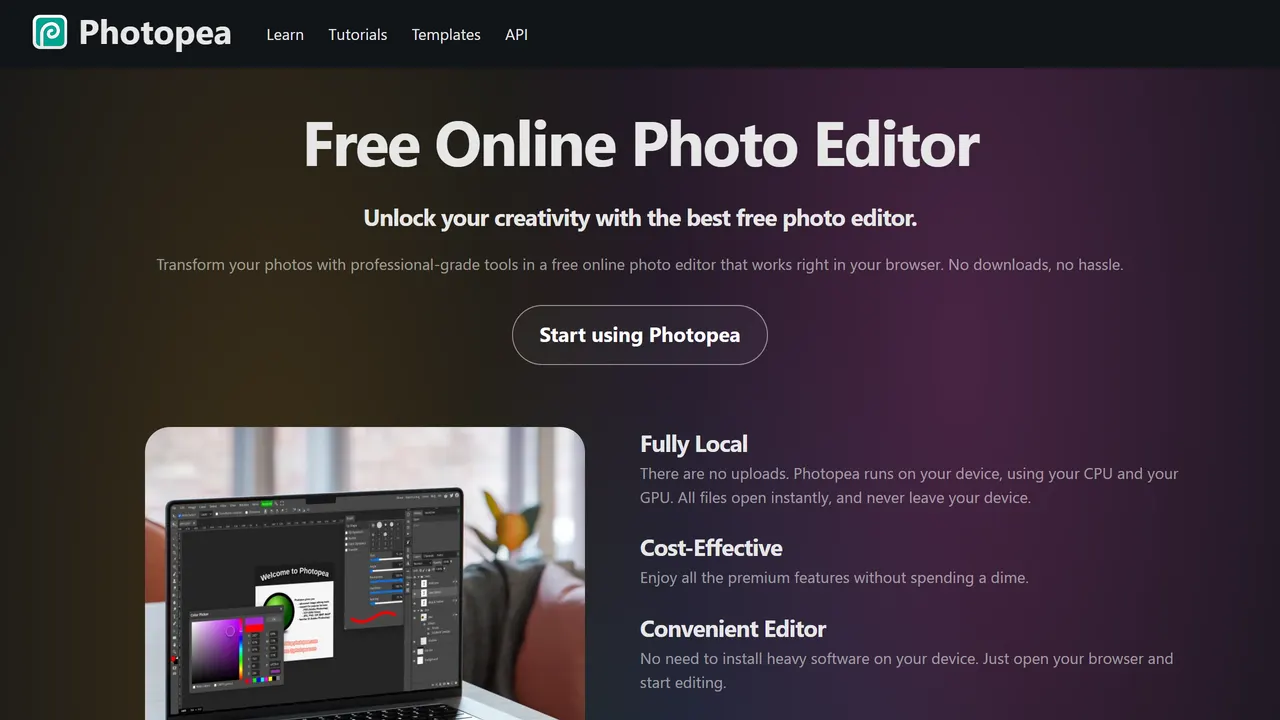
4. Photopea
A full Photoshop-class image editor in a browser tab. Opens PSD, XCF, Sketch and RAW files.
- Design & Type
- Freemium
- photopea.com
-
5. cobalt
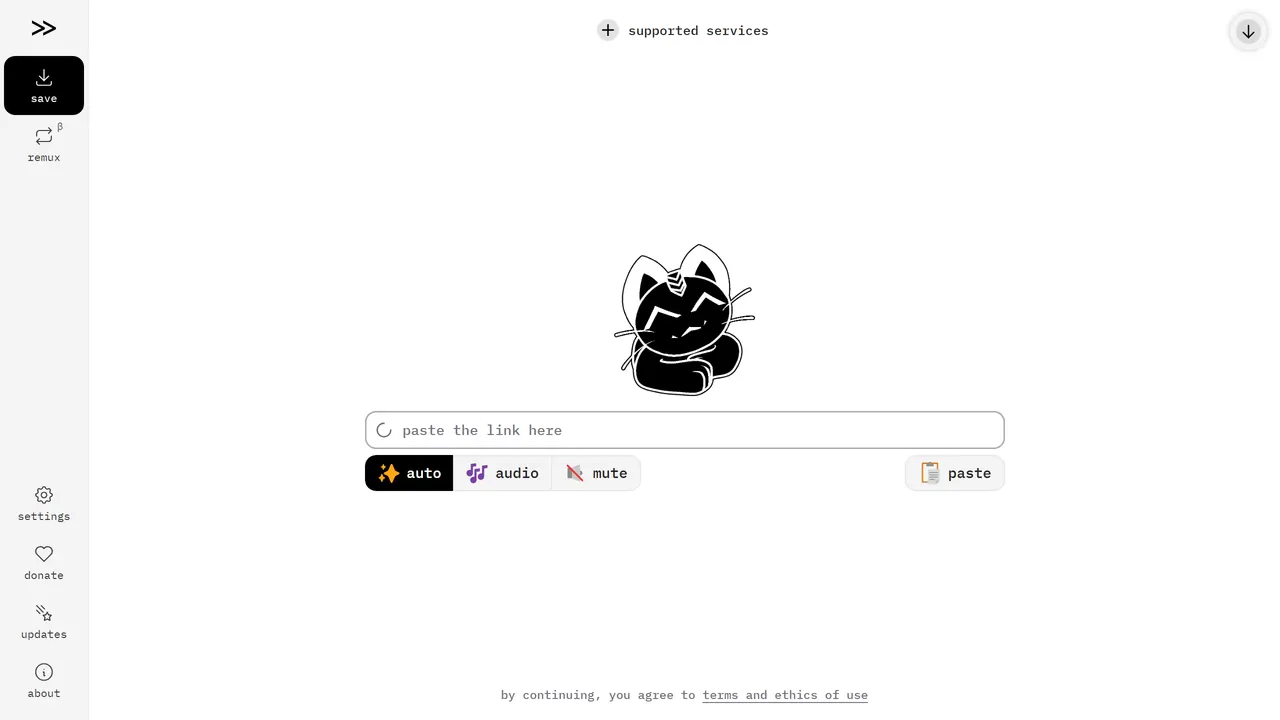
Paste a link from YouTube, TikTok, SoundCloud and many others and save the video or audio. No ads, no tracking, nothing else on the page.
- Everyday Tools
- Open source
- cobalt.tools
-
6. PairDrop
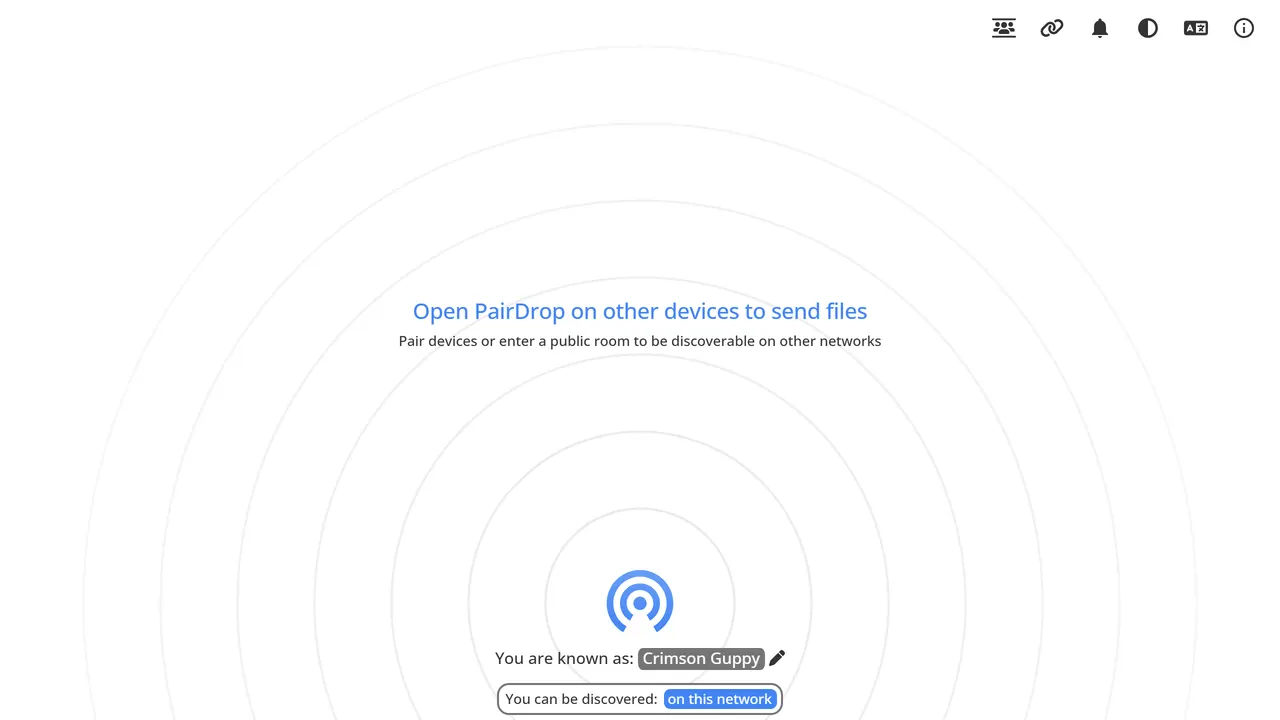
AirDrop for every device. Open the page on two phones or laptops on the same network and send files peer to peer, nothing stored on a server.
- Everyday Tools
- Open source
- pairdrop.net
-
7. Ninite
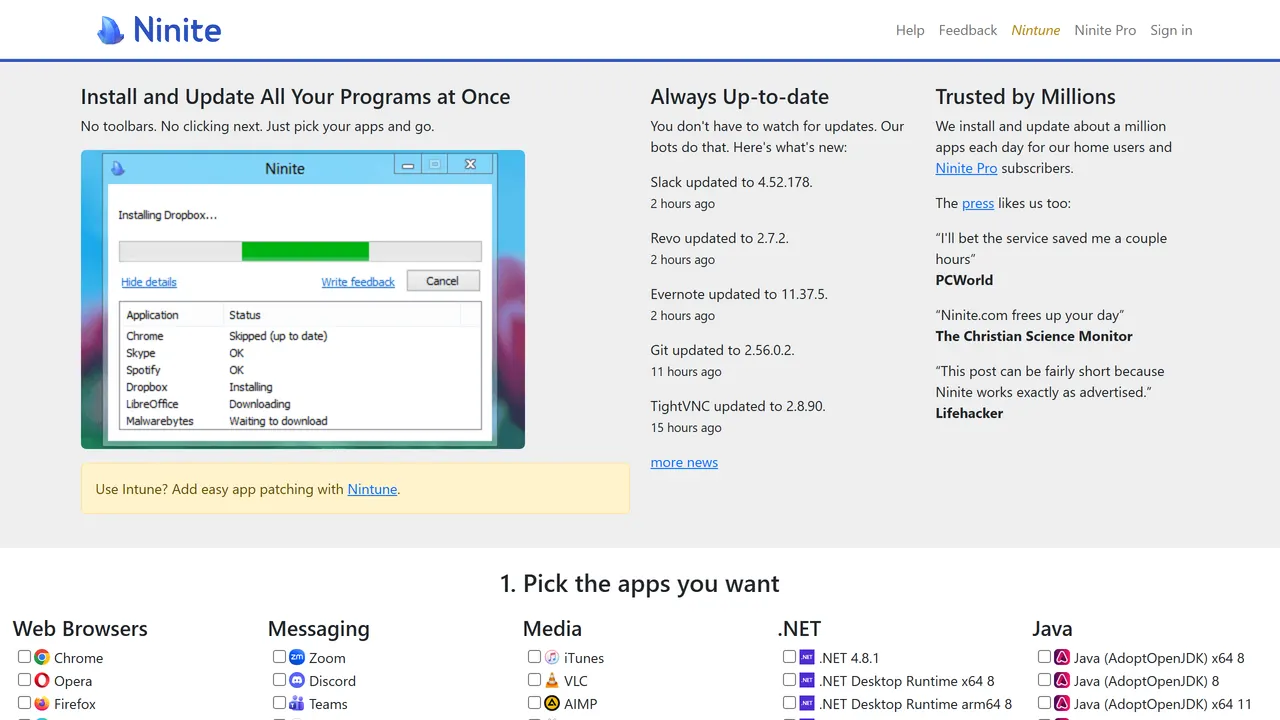
Tick the Windows apps you want and get one installer that sets them all up silently, declining every toolbar. The first thing to run on a new PC.
- Everyday Tools
- Free
- ninite.com
-
8. Have I Been Pwned
Check whether your email has appeared in a known breach, from the person who catalogues them.
- Everyday Tools
- Free
- haveibeenpwned.com
-
9. DeepL Translator
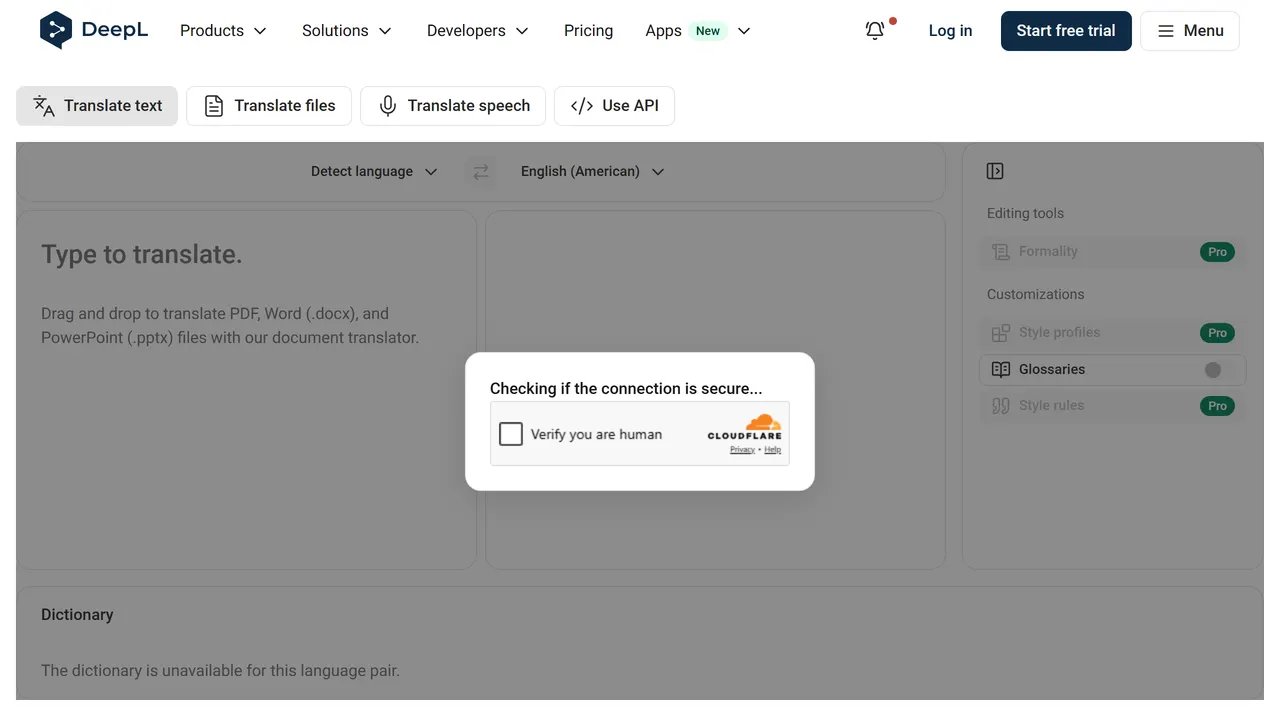
Translations that read as if a person wrote them, with alternative phrasings one click away. The one to use when tone matters.
- Everyday Tools
- Freemium
- deepl.com
-
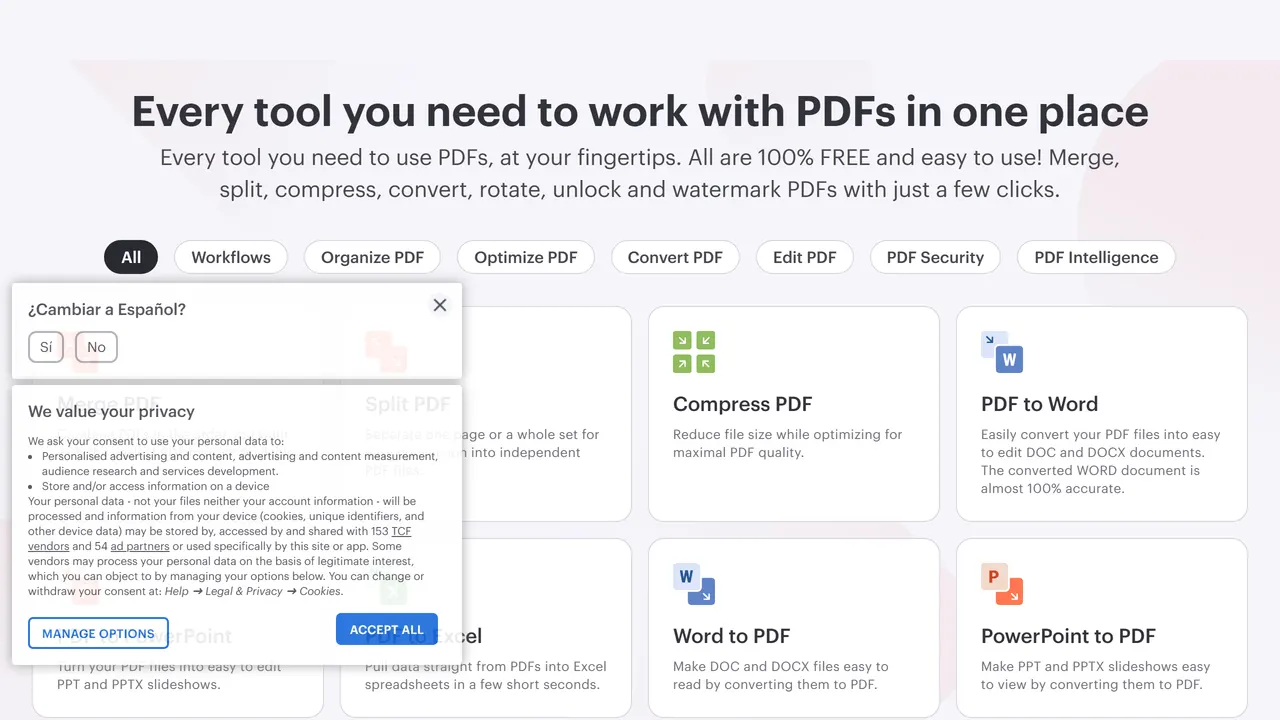
10. iLovePDF
Merge, split, compress, sign and convert PDFs in the browser. The quickest fix for most PDF chores.
- Everyday Tools
- Freemium
- ilovepdf.com
-
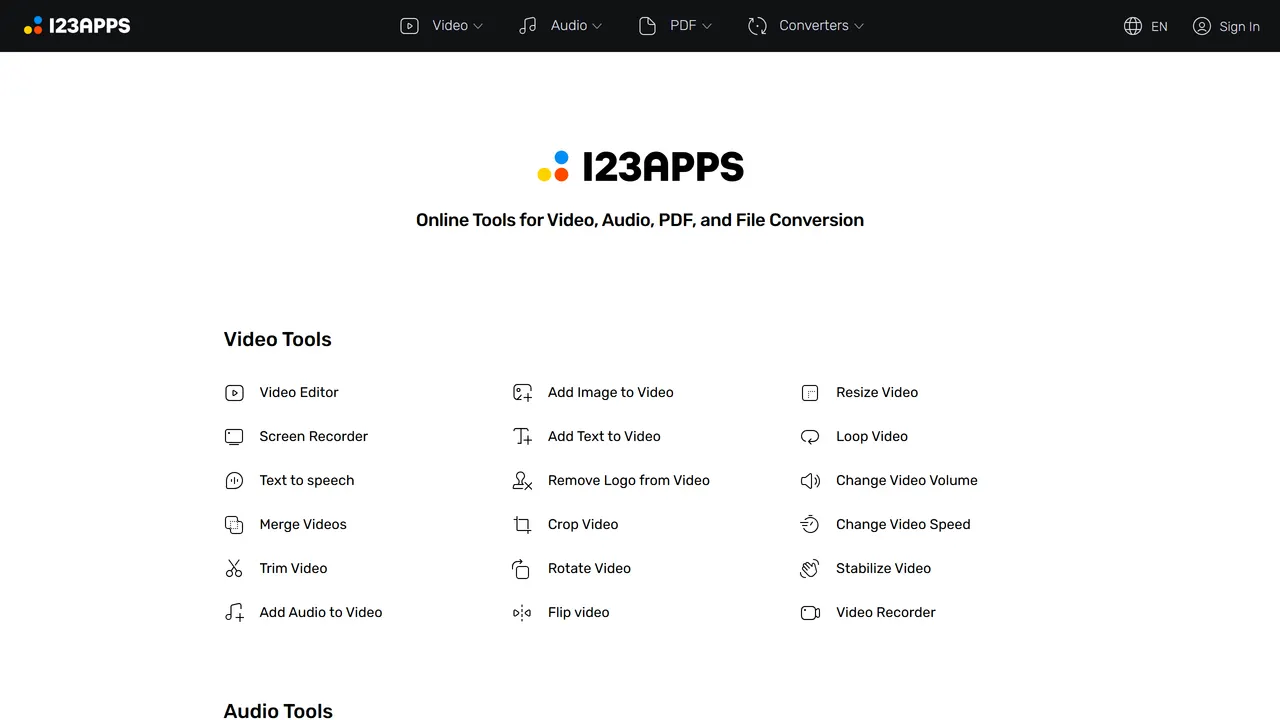
11. 123apps
A shelf of small browser tools for cutting audio, trimming video, recording the screen and converting PDFs.
- Everyday Tools
- Freemium
- 123apps.com
-
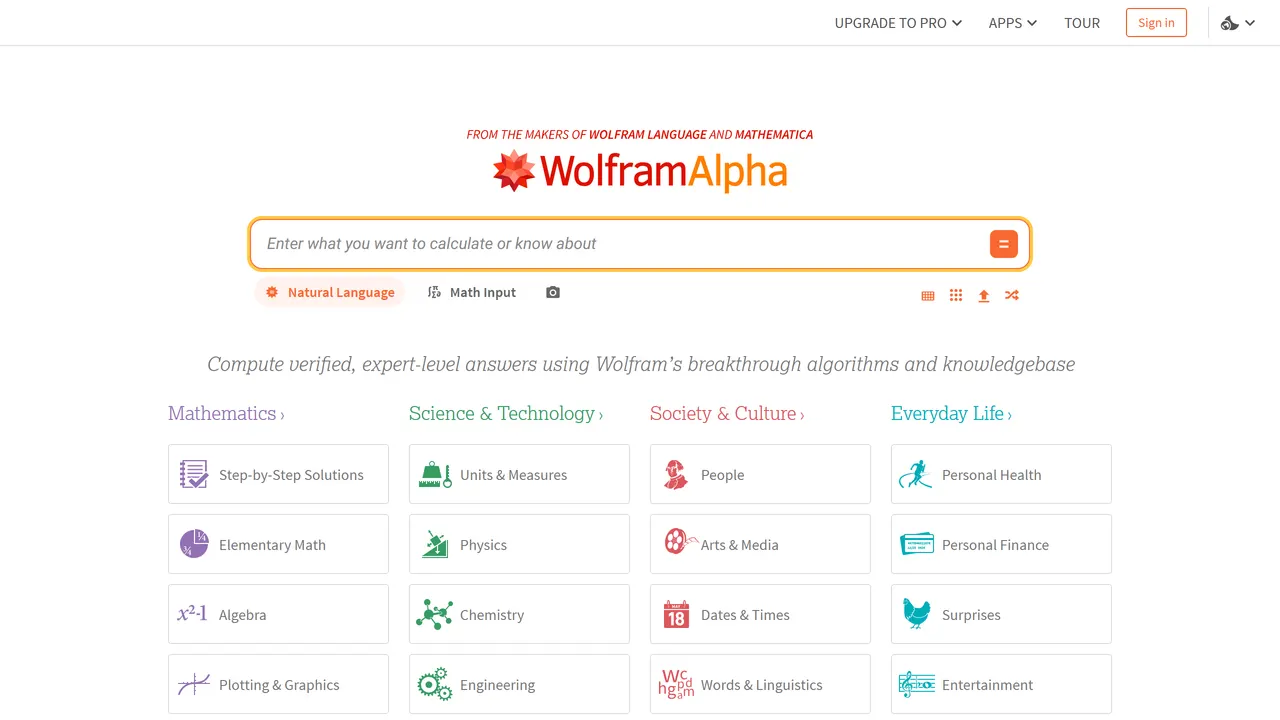
12. Wolfram Alpha
A computational knowledge engine that answers questions with worked steps rather than links.
- Learn
- Freemium
- wolframalpha.com
-
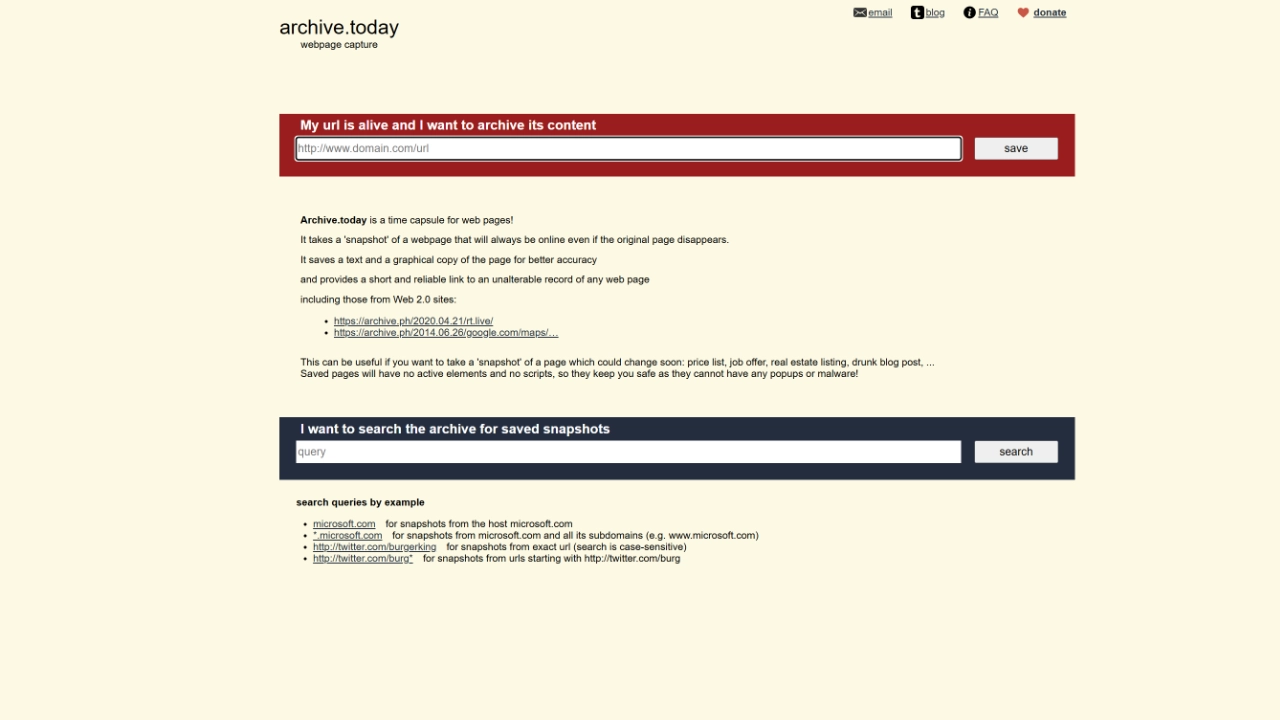
13. archive.today
Paste a URL and it freezes the page as both a screenshot and a text copy that stays up after the original goes down. Catches plenty the Wayback Machine misses.
- Everyday Tools
- Donation
- archive.ph
-
14. OneLook
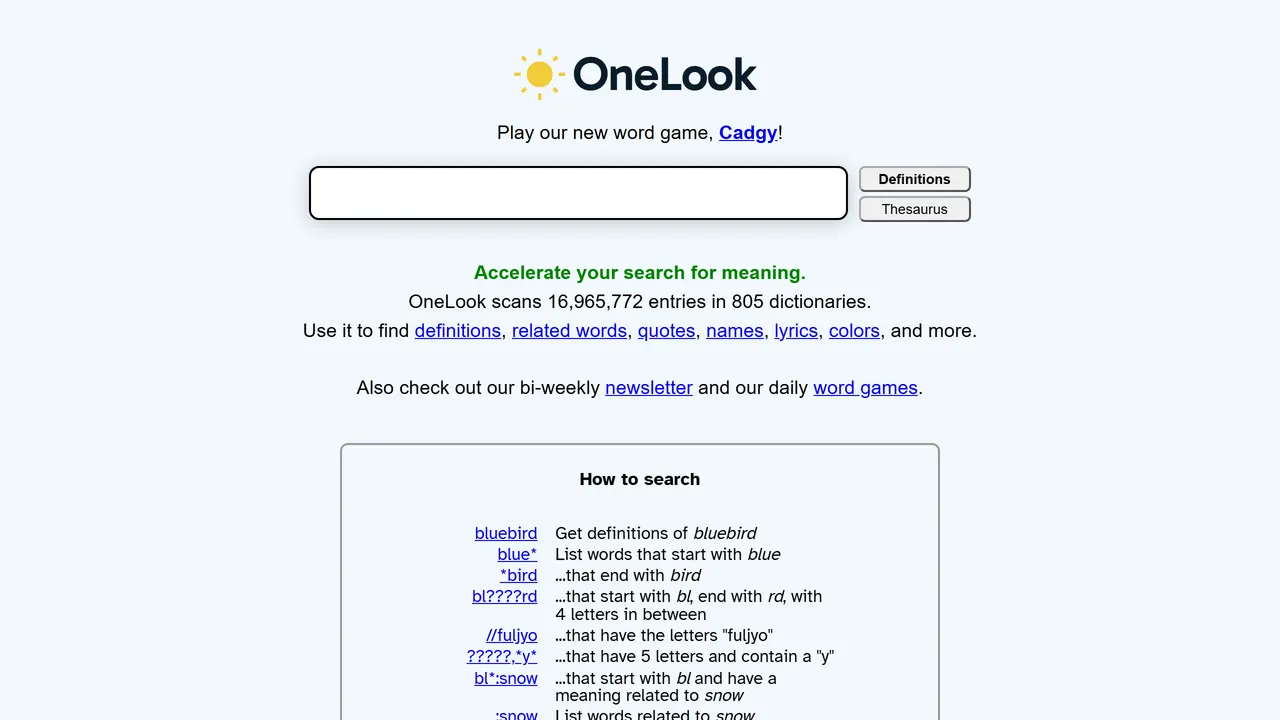
A reverse dictionary: describe a word you can't remember and it finds it. Also searches a thousand dictionaries at once and finds rhymes and related words.
- Everyday Tools
- Free
- onelook.com
-
15. time.is
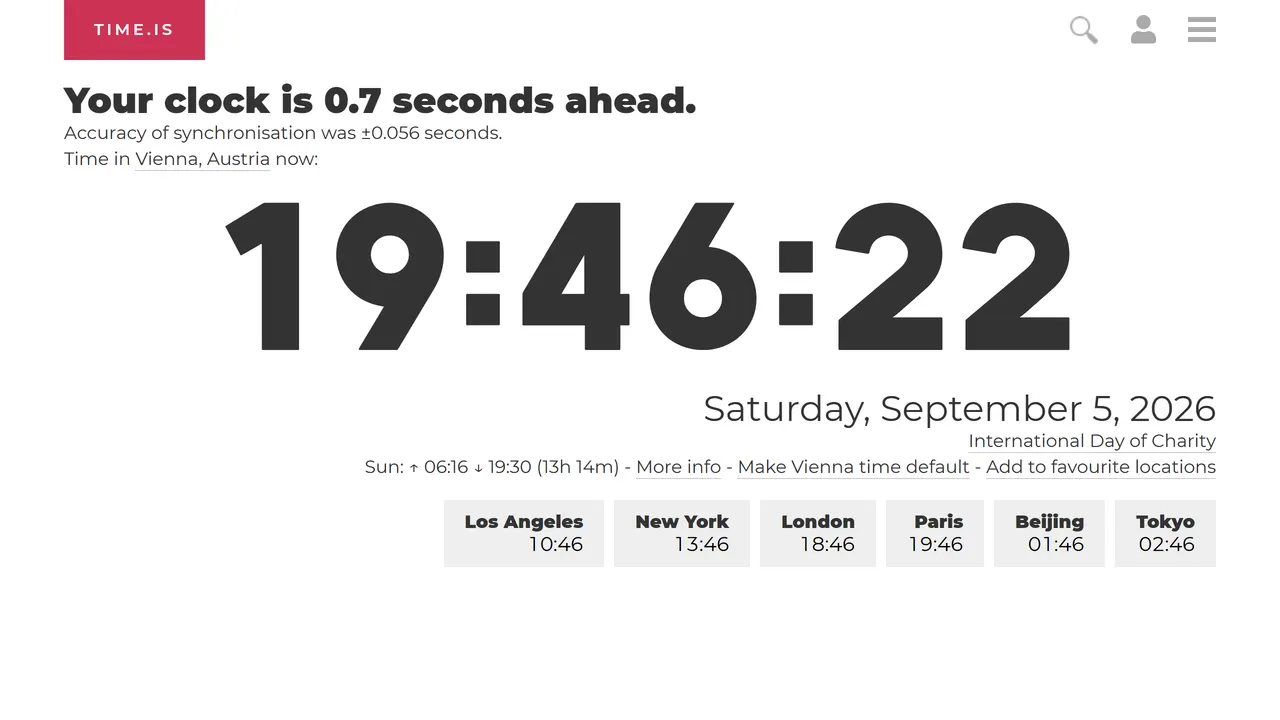
The exact time anywhere, plus how far off your own clock is. Ugly, perfect, always right.
- Everyday Tools
- Free
- time.is
-
16. Down for Everyone or Just Me
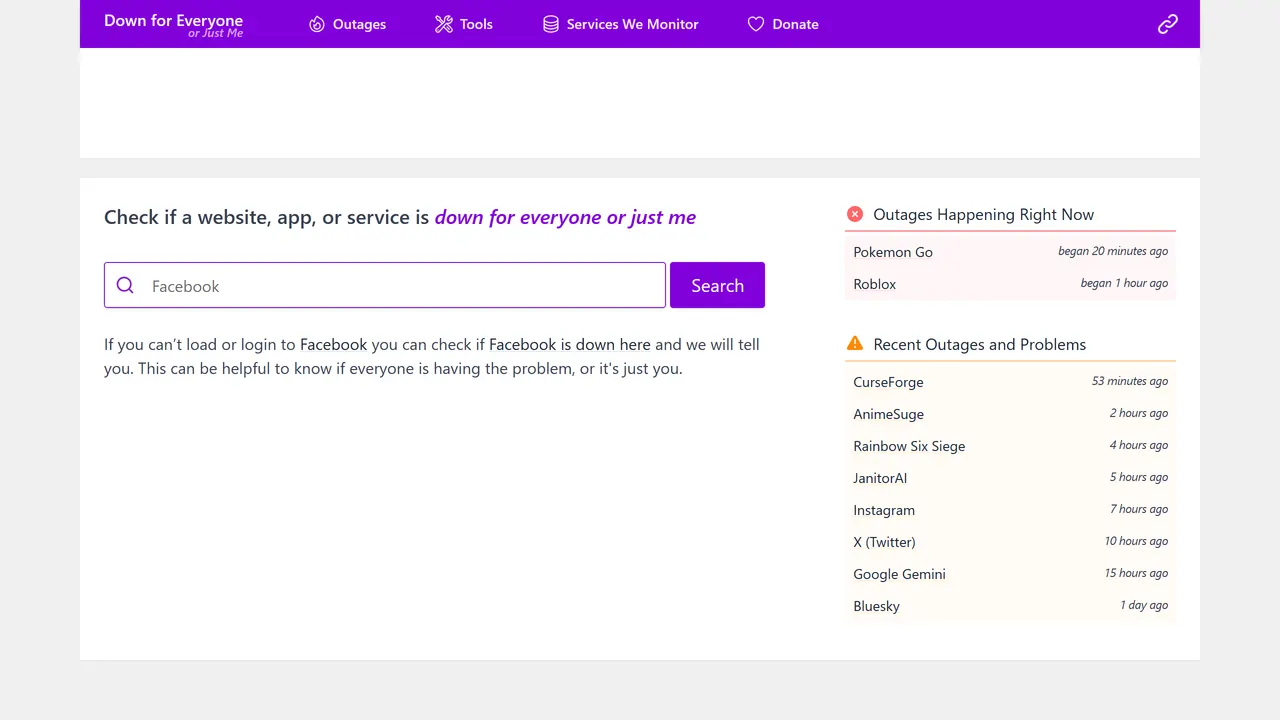
Settles the argument about whether the site is down or your wifi is broken.
- Everyday Tools
- Free
- downforeveryoneorjustme.com
-
17. Cleanup.pictures
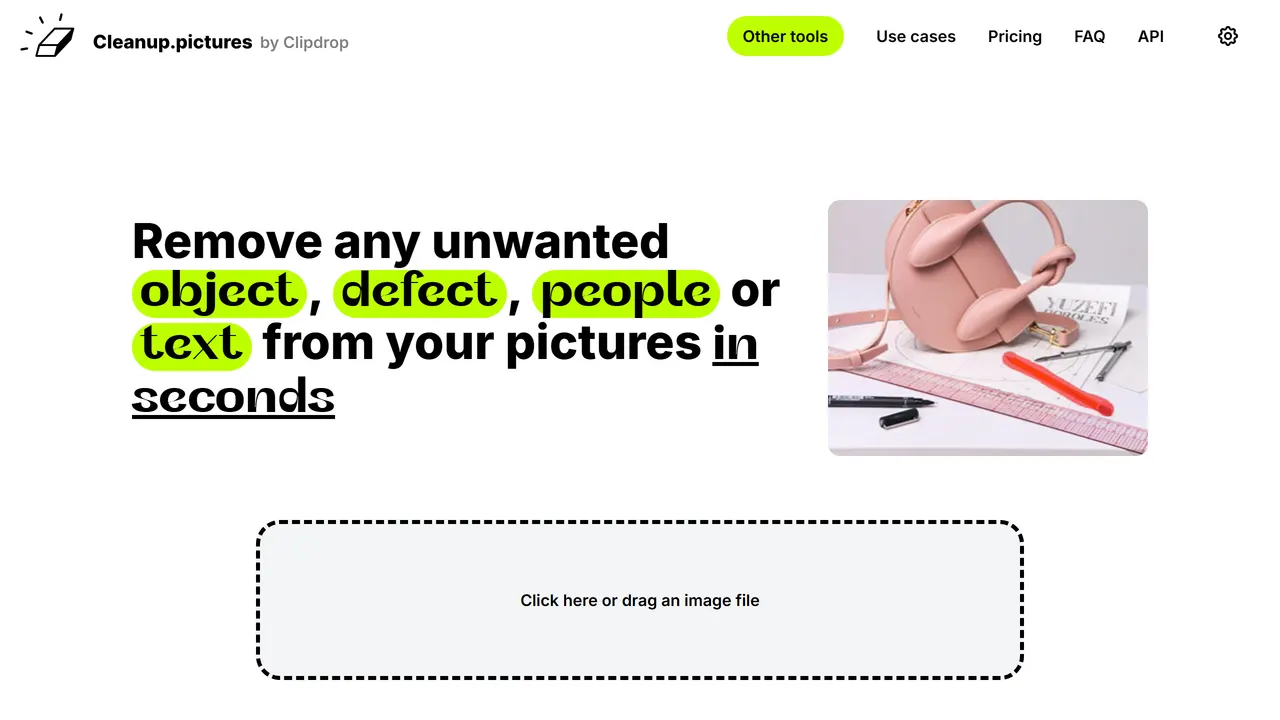
Paint over an object in a photo and it disappears, with the background plausibly filled in.
- Everyday Tools
- Freemium
- cleanup.pictures
-
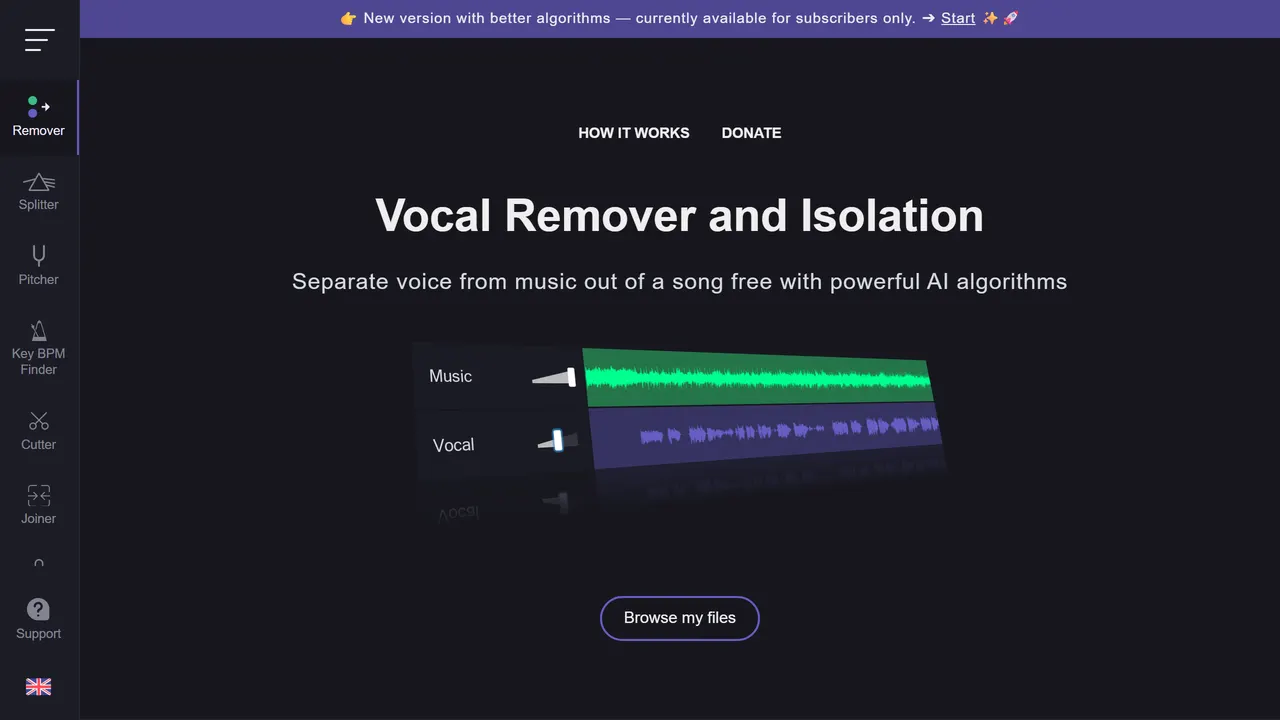
18. Vocal Remover
Drop in a song and get the vocals and the instrumental as separate tracks. Also has pitch, tempo and key tools for karaoke and practice.
- Music & Audio
- Freemium
- vocalremover.org
-
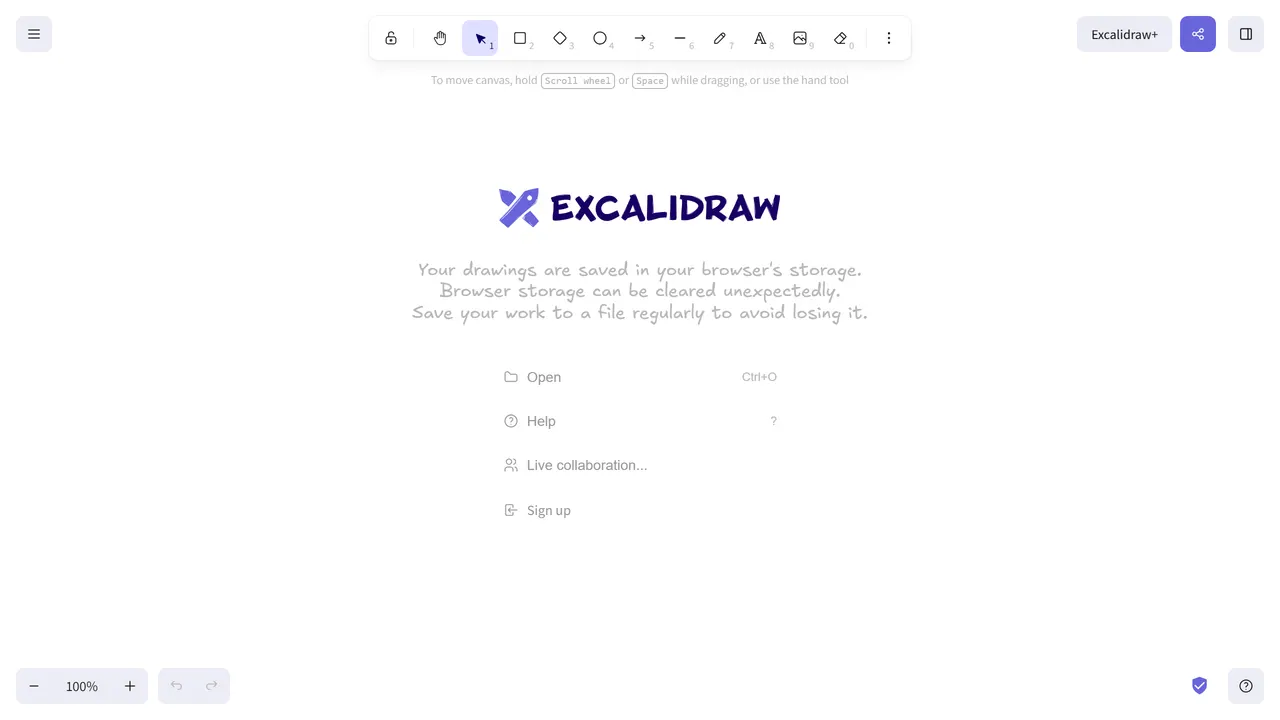
19. Excalidraw
A hand-drawn-feeling virtual whiteboard. Diagrams that look deliberately rough, shareable in one link.
- Design & Type
- Open source
- excalidraw.com
-
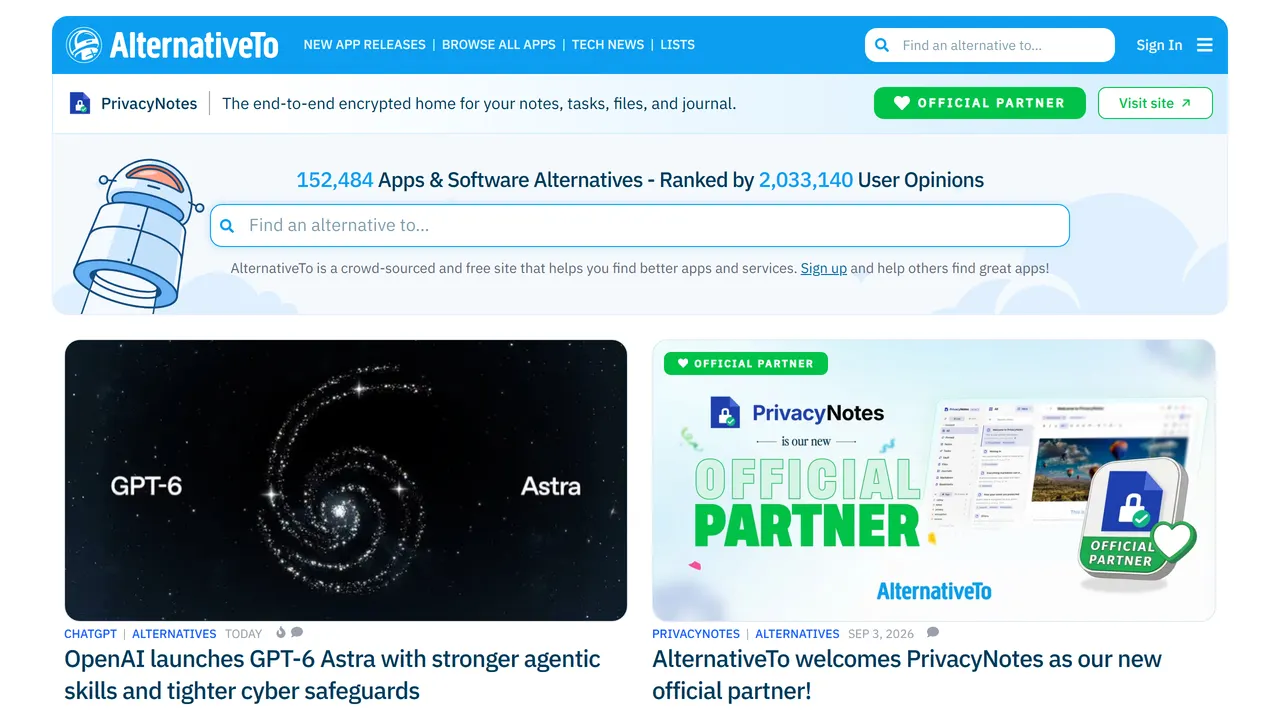
20. AlternativeTo
Crowdsourced alternatives to any piece of software, filterable by licence and platform.
- Everyday Tools
- Freemium
- alternativeto.net
-
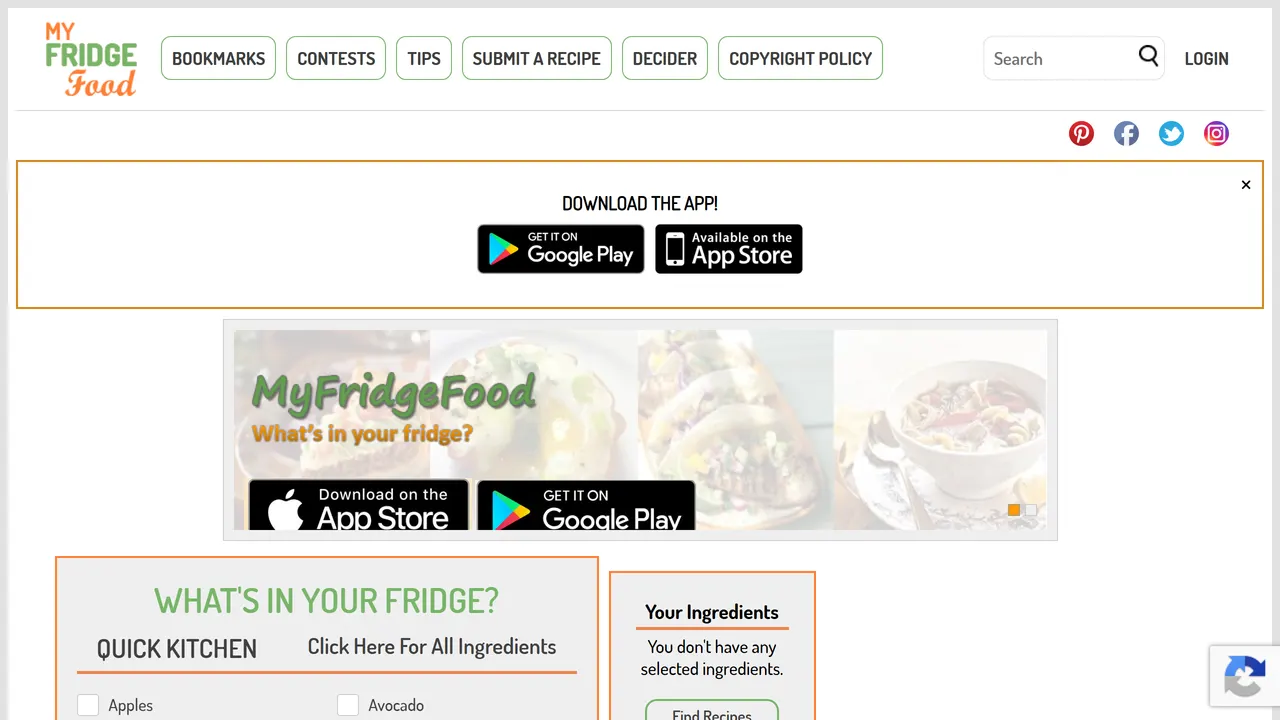
21. MyFridgeFood
Tick off what is in your fridge and cupboards and get recipes you can make right now.
- Everyday Tools
- Free
- myfridgefood.com
-
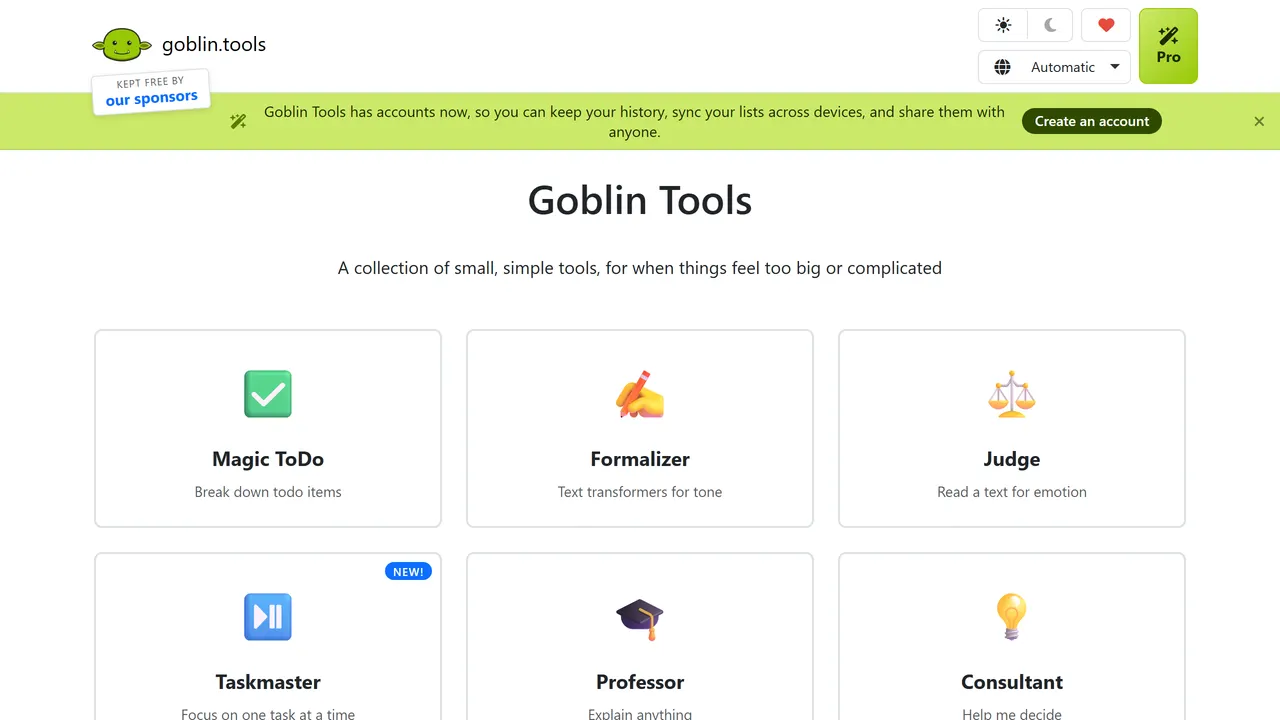
22. Goblin Tools
Small helpers built for neurodivergent brains. Magic ToDo breaks a scary task into tiny steps, and others judge the tone of a message or estimate time.
- Everyday Tools
- Free
- goblin.tools
-
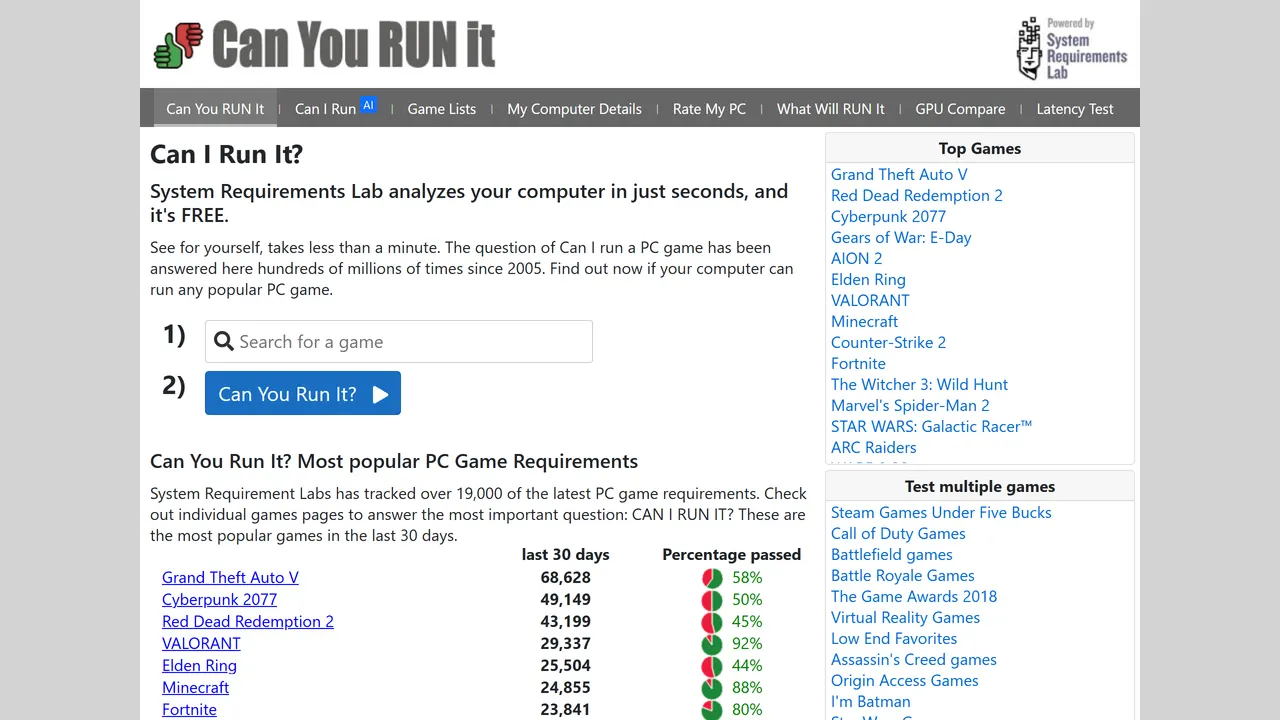
23. Can You Run It
Pick a game and it checks your PC against the minimum and recommended specs, then tells you what to upgrade.
- Everyday Tools
- Free
- systemrequirementslab.com
-
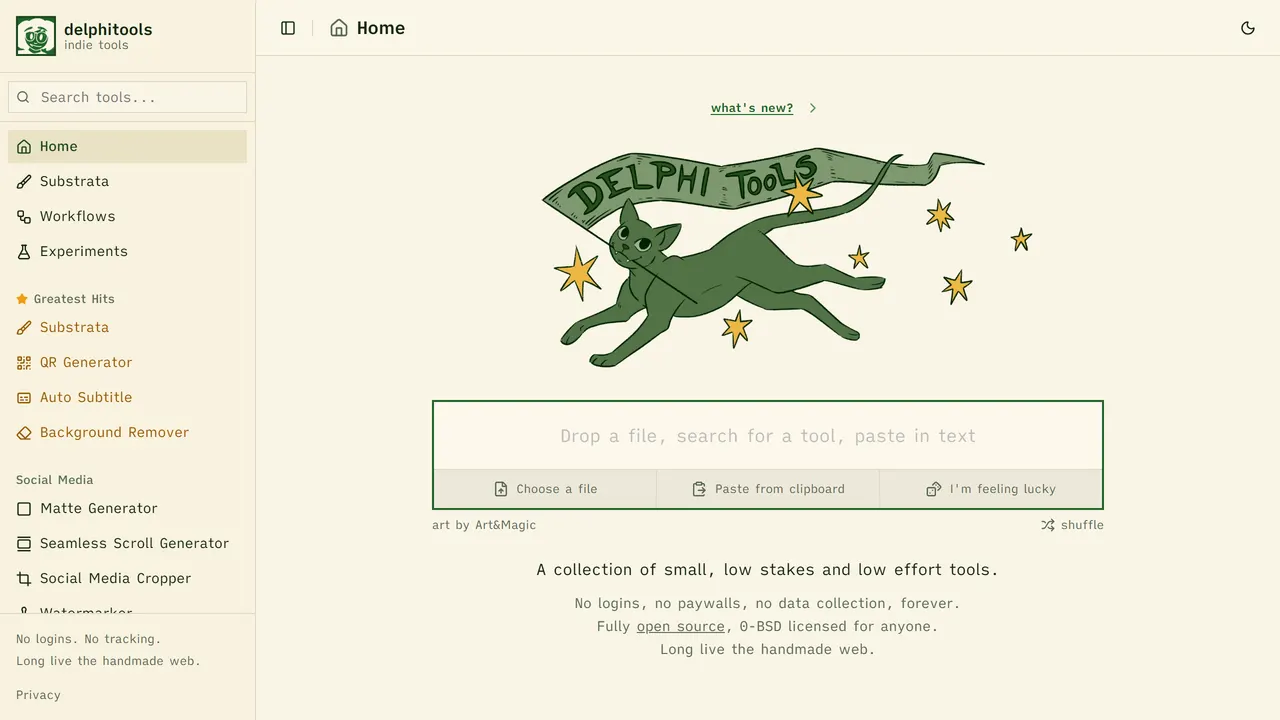
24. delphitools
Small everyday tools for images, text and colour that run entirely in your browser. No logins and no data collection.
- Everyday Tools
- Free
- delphi.tools
-
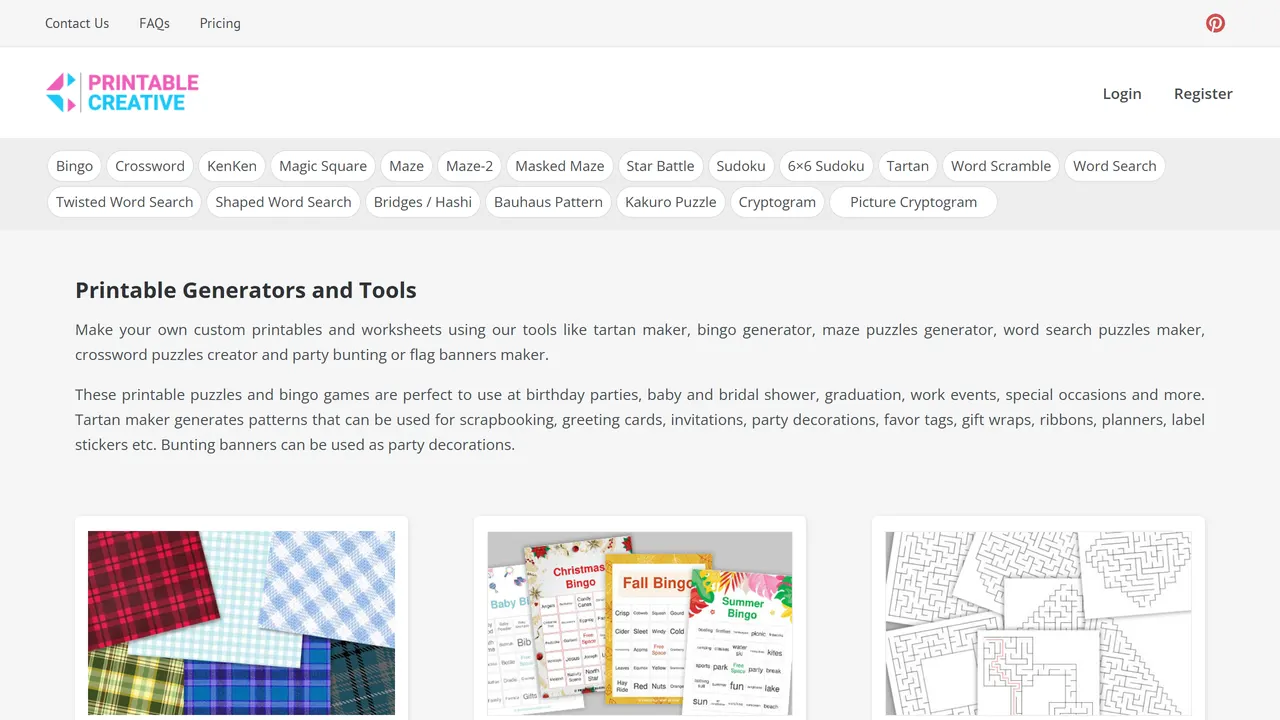
25. DIY Printable Generators
Make printable word searches, crosswords, bingo cards and tartan patterns from your own words and colours.
- Everyday Tools
- Free
- printablecreative.com
-
26. Keepa
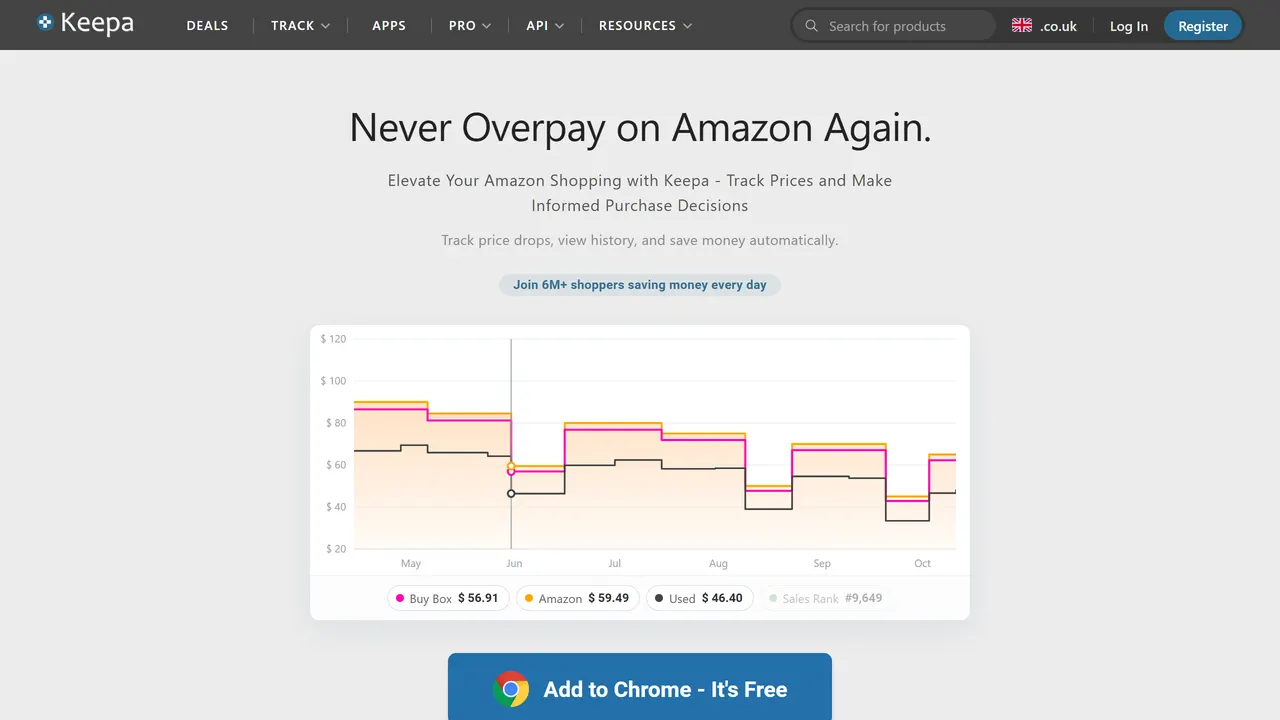
Price history charts for nearly every Amazon product, so you can tell a real deal from a fake discount and set drop alerts.
- Everyday Tools
- Freemium
- keepa.com
-
27. PerlerBeads
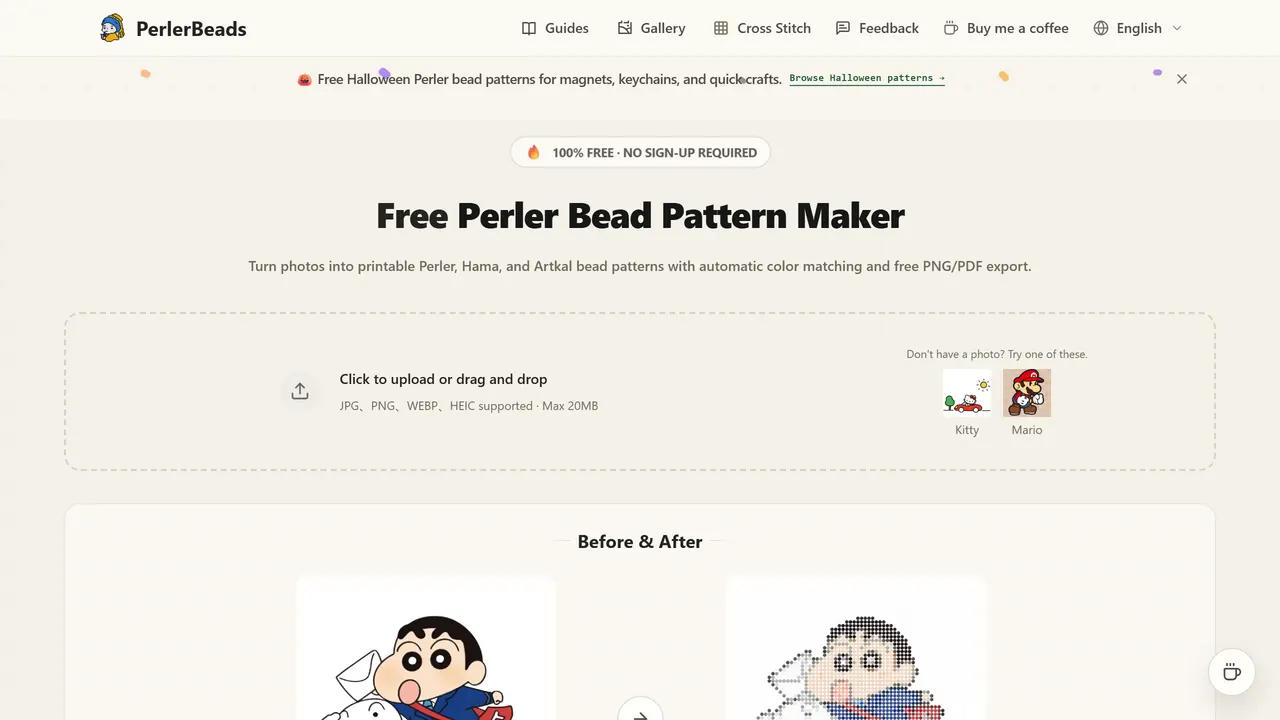
Turn any picture into a fuse-bead pattern with a bead count per colour, mapped to Perler, Hama and Artkal palettes.
- Everyday Tools
- Free
- perlerbeads.net
-
28. Posterizer
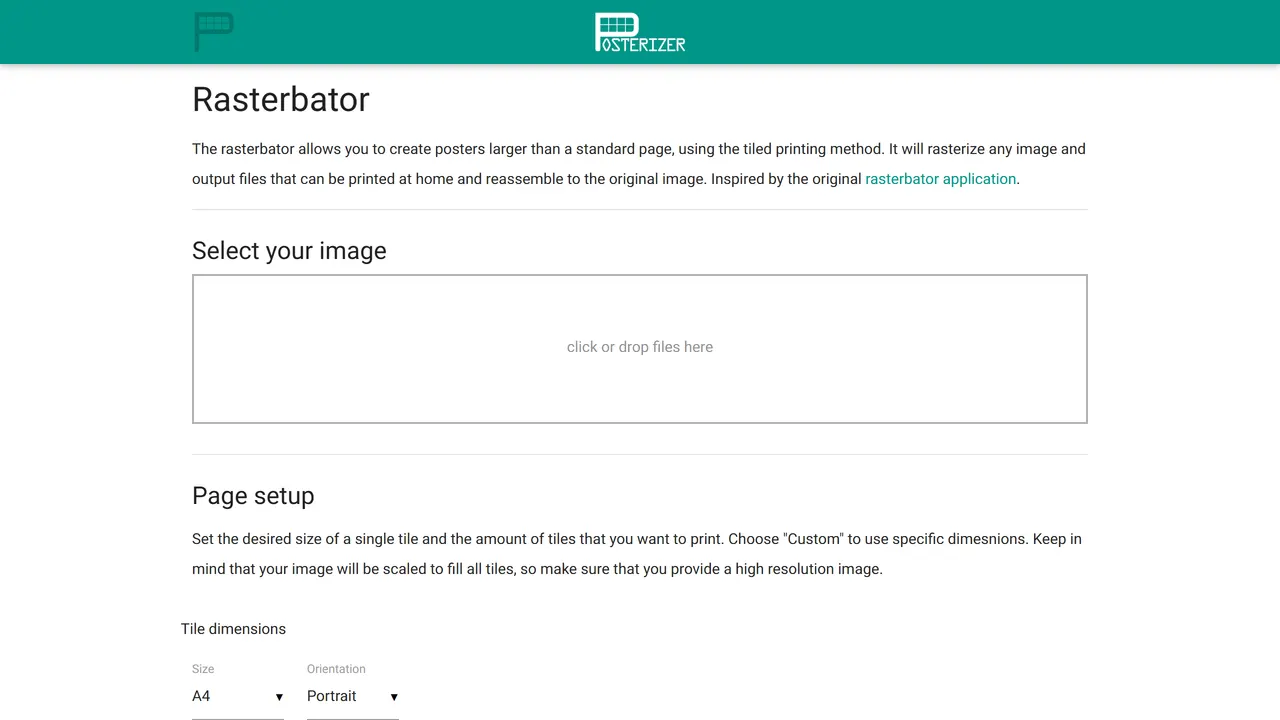
Turn a photo into a wall-sized halftone poster split across ordinary printer pages, ready to print and tape together.
- Everyday Tools
- Free
- posterizer.online
-
29. Reactive Resume
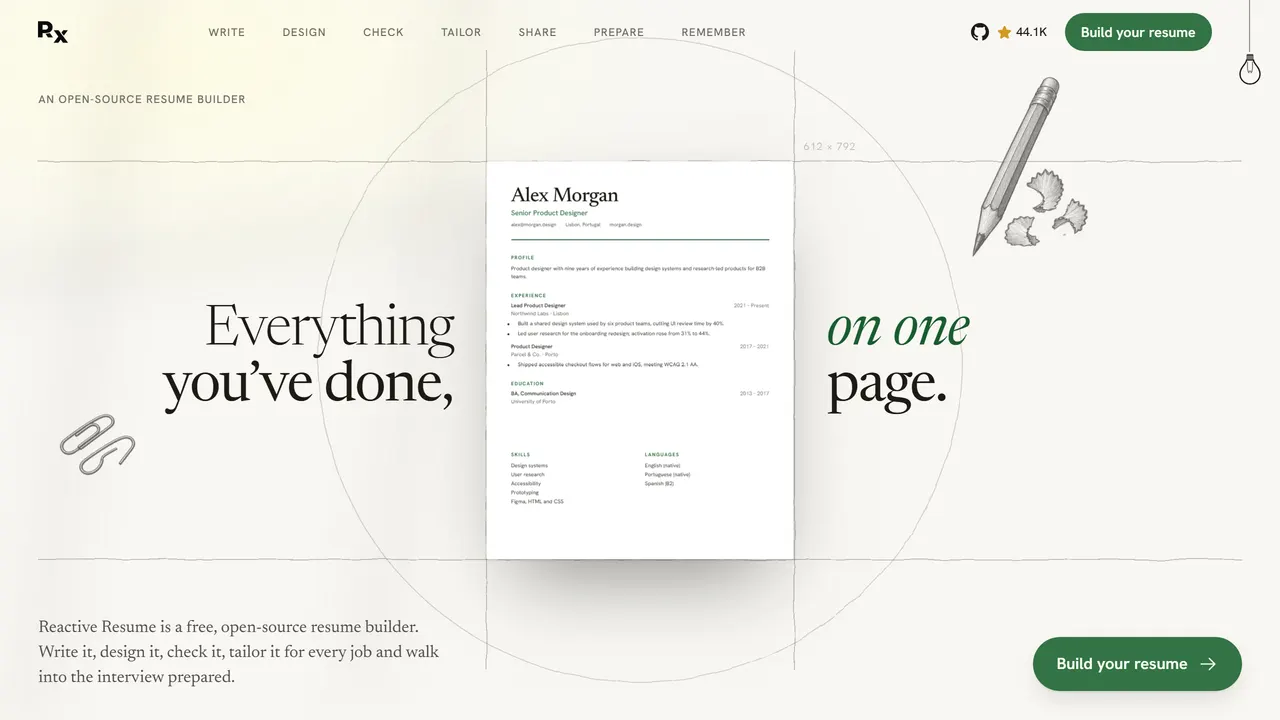
A free résumé builder with no ads or tracking. Pick a template, fill it in and export to PDF, or host it yourself.
- Everyday Tools
- Open source
- rxresu.me
-
30. SimplePDF
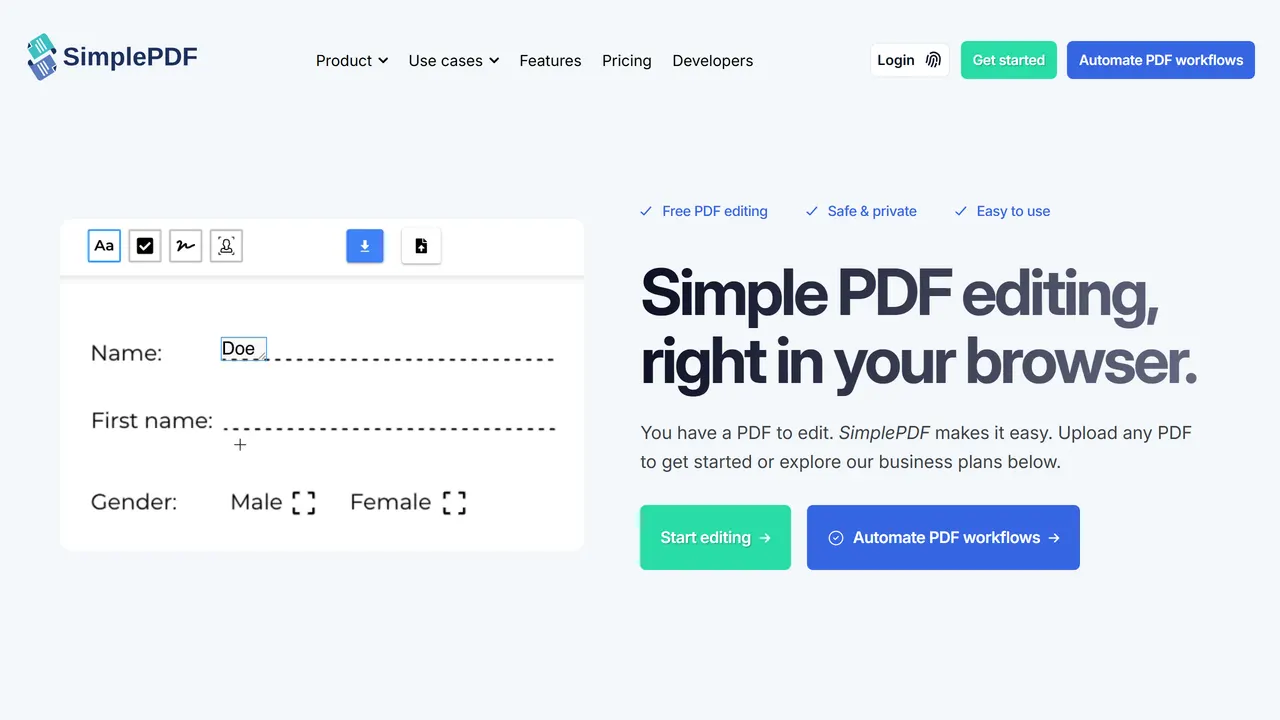
Fill in, edit and sign a PDF entirely in your browser. No account and no watermark, and the file never leaves your computer.
- Everyday Tools
- Freemium
- simplepdf.com
-
31. DAREBEE
Thousands of illustrated home workouts and programs that need no equipment, all free and funded by donations.
- Everyday Tools
- Donation
- darebee.com
-
32. DriftGuard
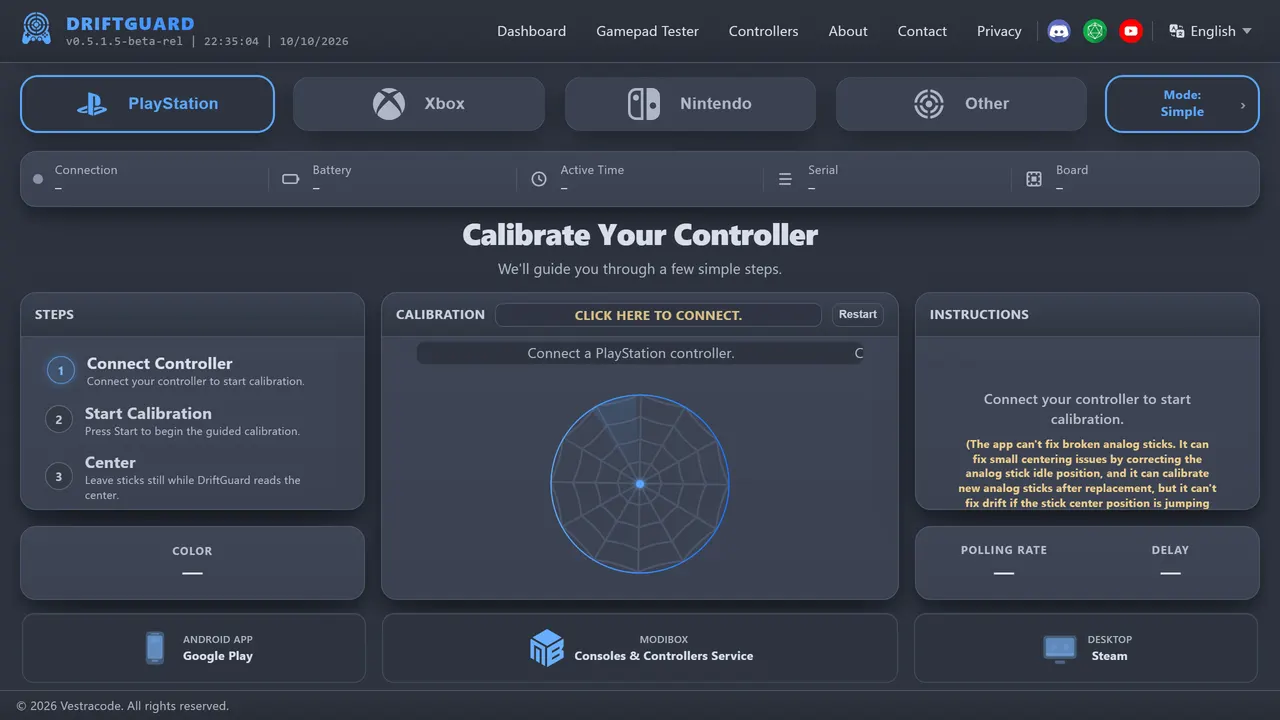
Plug in a gamepad and see exactly how much its sticks drift, with live visualisations and calibration help.
- Everyday Tools
- Free
- driftguard.app
-
33. Fingerprint
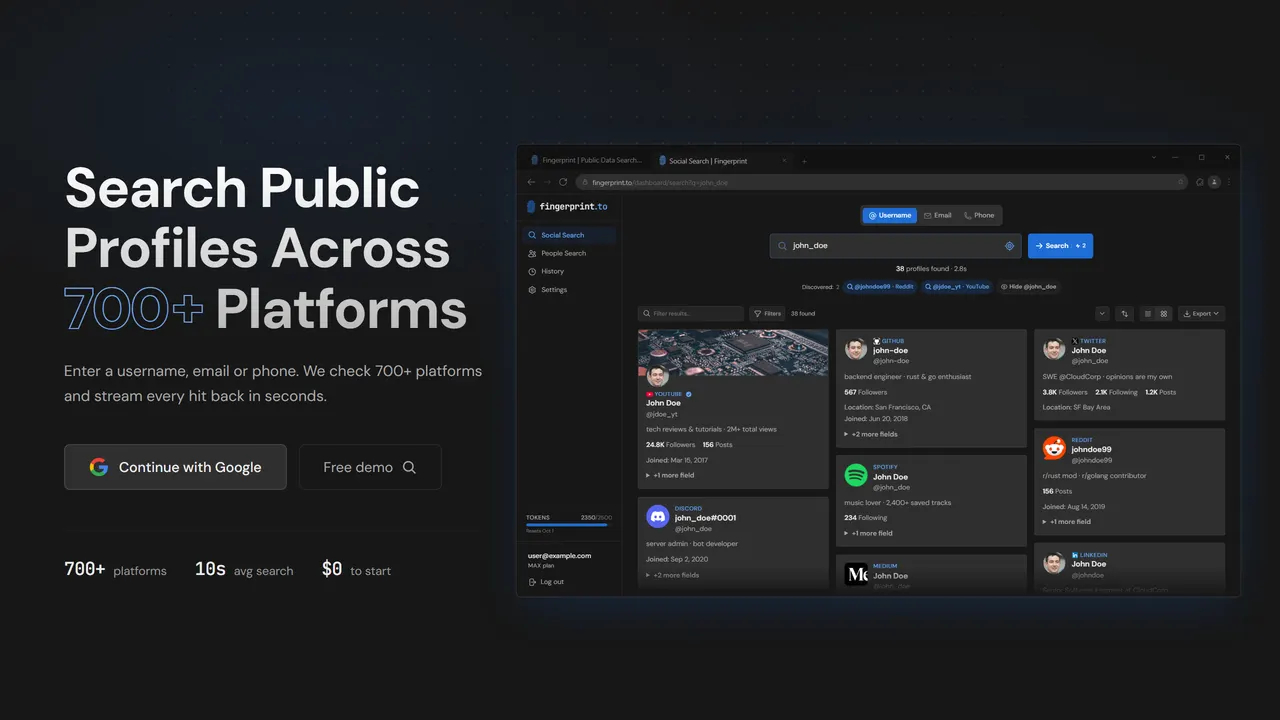
Type a username, email or phone number and see which of 700+ platforms it turns up on. A sobering look at your footprint.
- Everyday Tools
- Freemium
- fingerprint.to
-
34. GG.deals
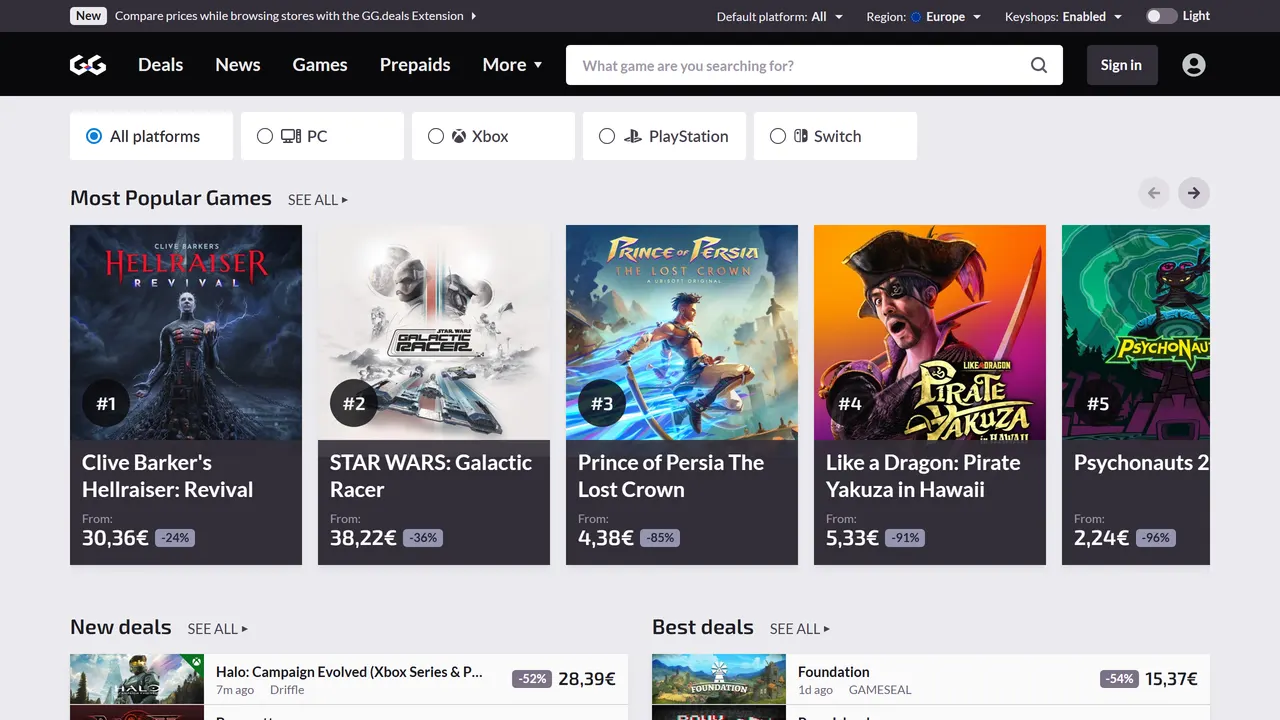
Compare PC game prices across official stores and key shops, with price history, bundles and deal alerts.
- Everyday Tools
- Free
- gg.deals
-
35. Globfone
Make phone calls and send texts to most countries straight from the browser, with daily free credits.
- Everyday Tools
- Freemium
- globfone.com
-
36. iLoveIMG
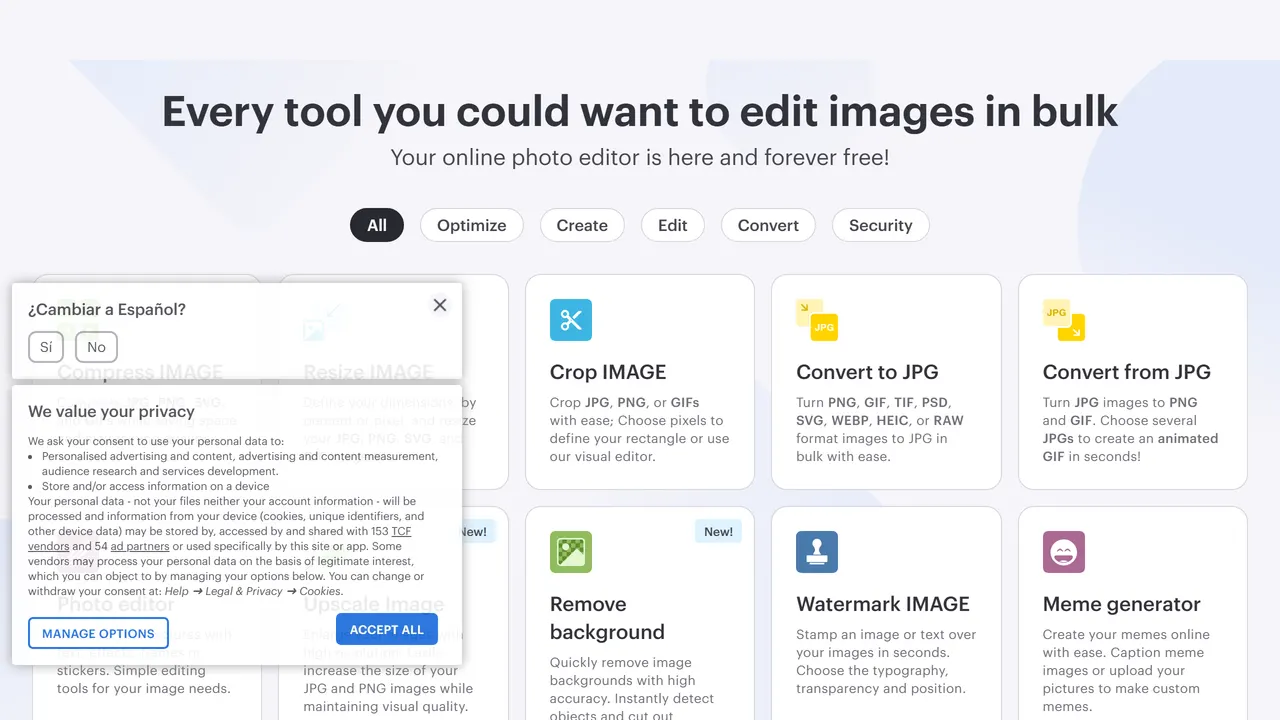
Crop, resize, compress, convert and watermark images in bulk, right in the browser.
- Everyday Tools
- Freemium
- iloveimg.com
-
37. IsThereAnyDeal
Track PC game prices across dozens of stores, with price history and alerts for when something hits a new low.
- Everyday Tools
- Free
- isthereanydeal.com
-
38. Max Intel
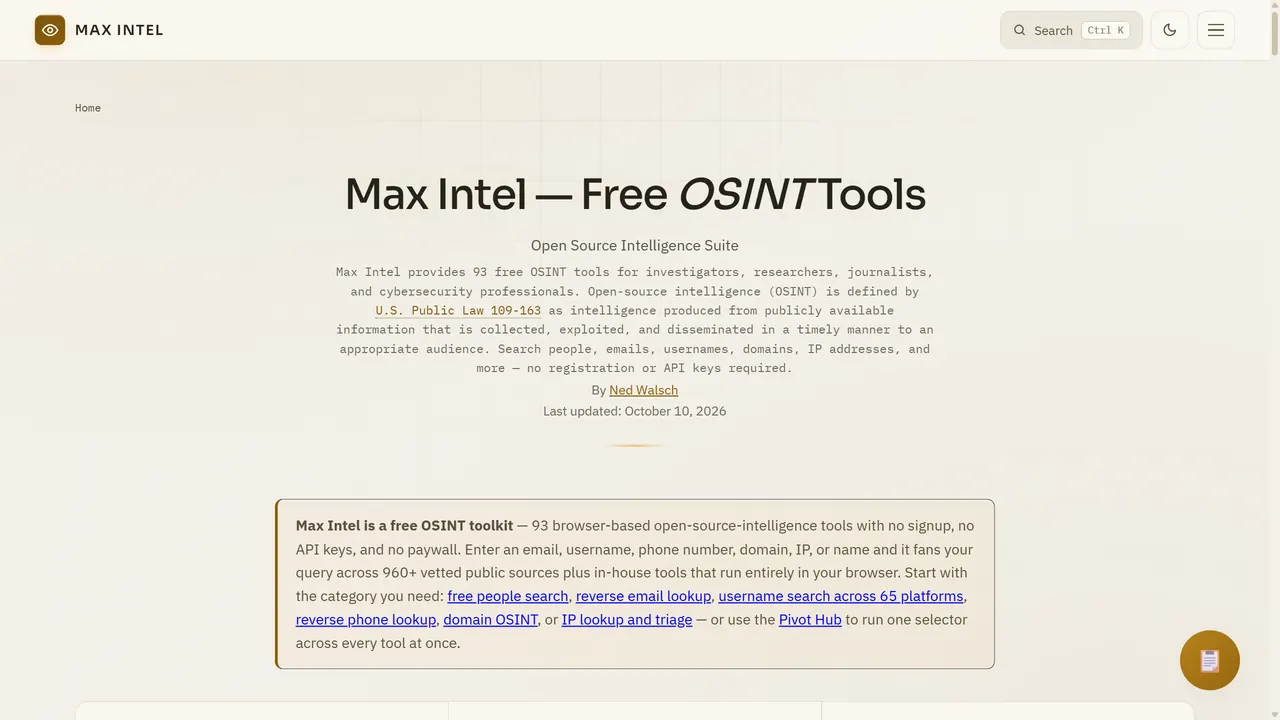
A free OSINT toolkit in the browser: username, email and phone lookups, domain recon and image forensics in one place.
- Everyday Tools
- Free
- maxintel.org
-
39. Namelix
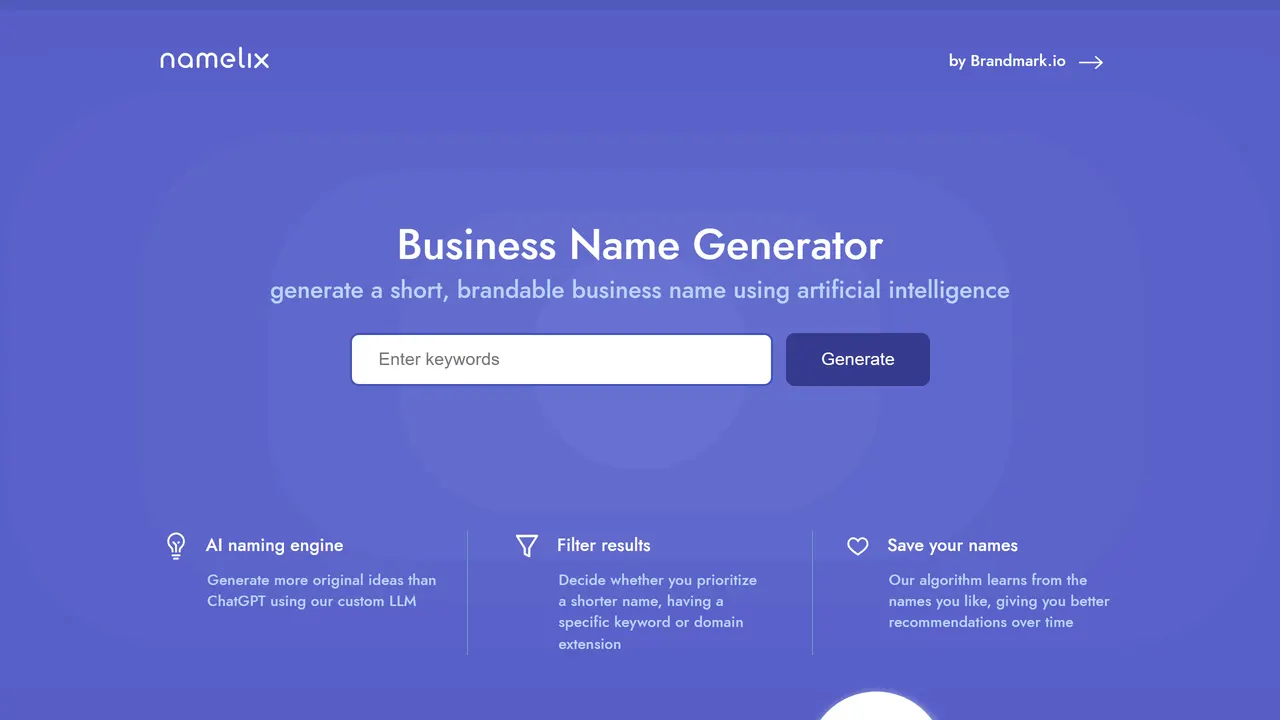
Type a few words about a project and get pages of short, brandable names with domain availability and a logo sketch.
- Everyday Tools
- Free
- namelix.com
-
40. Pic2Map
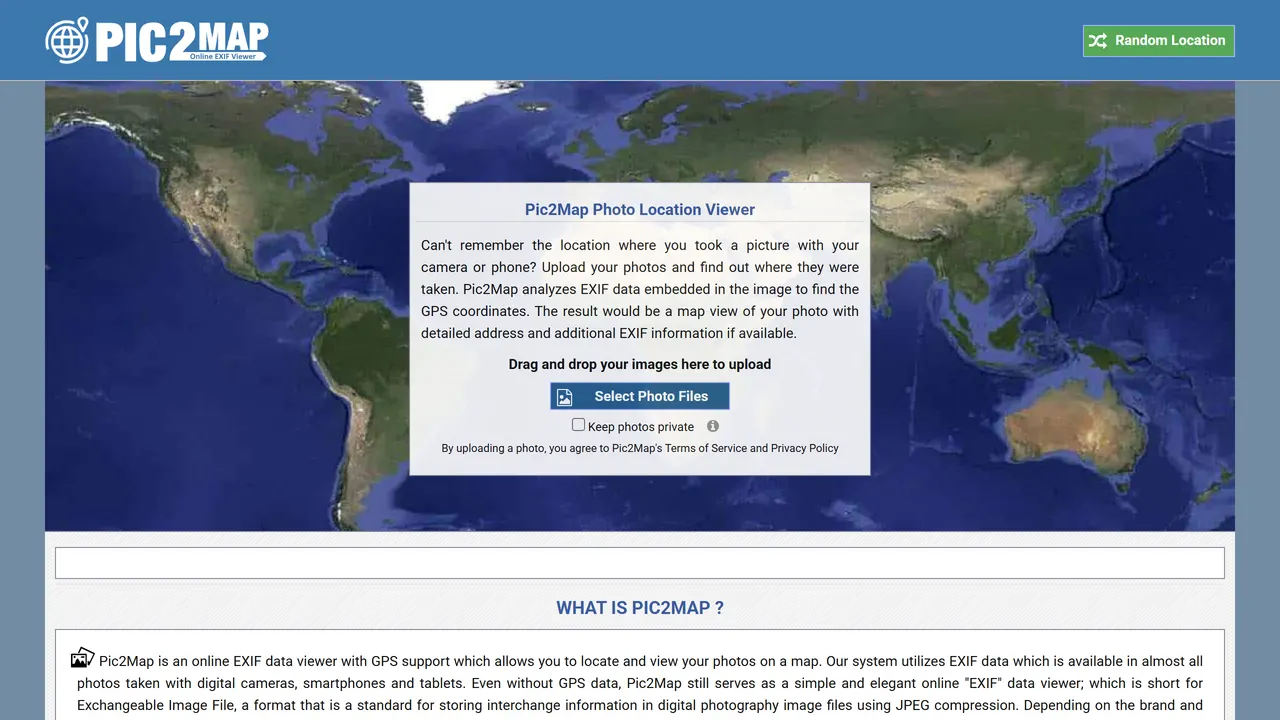
Upload a photo and see on a map where it was taken, from its hidden EXIF data. Eye-opening about what your pictures give away.
- Everyday Tools
- Free
- pic2map.com




Want more than 40?
This list is one slice of a directory of 480 websites. Search, filter by category or tag, or shuffle the lot.
Explore the full directoryQuestions
What are the most useful websites on the internet?
For everyday jobs: TinyWow and iLovePDF for files, Squoosh for images, Photopea as a free Photoshop, DeepL for translation and Ninite for installing apps.
Do I need to install anything?
No. Everything here works in a browser tab. Several, like Squoosh and PairDrop, never even upload your files.
More lists like this
- Websites to cure boredom 40
- Powerful websites you should know 50
- Websites that feel illegal to know 40
- Cool websites you didn't know existed 37
- Mind-blowing interactive websites 40
- Free websites that should cost money 40
- AI websites worth using 16
- Websites for students 40
- Websites for designers 40
- Websites for developers 40
- Free browser games 40
- Websites for music lovers 40
- Websites for artists 40
- Nostalgic retro websites 29
- Websites to explore the world 40
- Relaxing websites 19